Gemini Video-Prompt-Generator

Wandle ein Briefing oder Referenznotizen in einen Gemini-fertigen Video-Prompt mit Szenenstruktur, Kamerabewegung, Audio-Hinweisen und wiederverwendbaren Modelleinstellungen um.

SzenenaufschlüsselungOhne Anmeldung10 Gratis-Nutzungen pro TagMulti-Shot-PromptsKamera und Audio
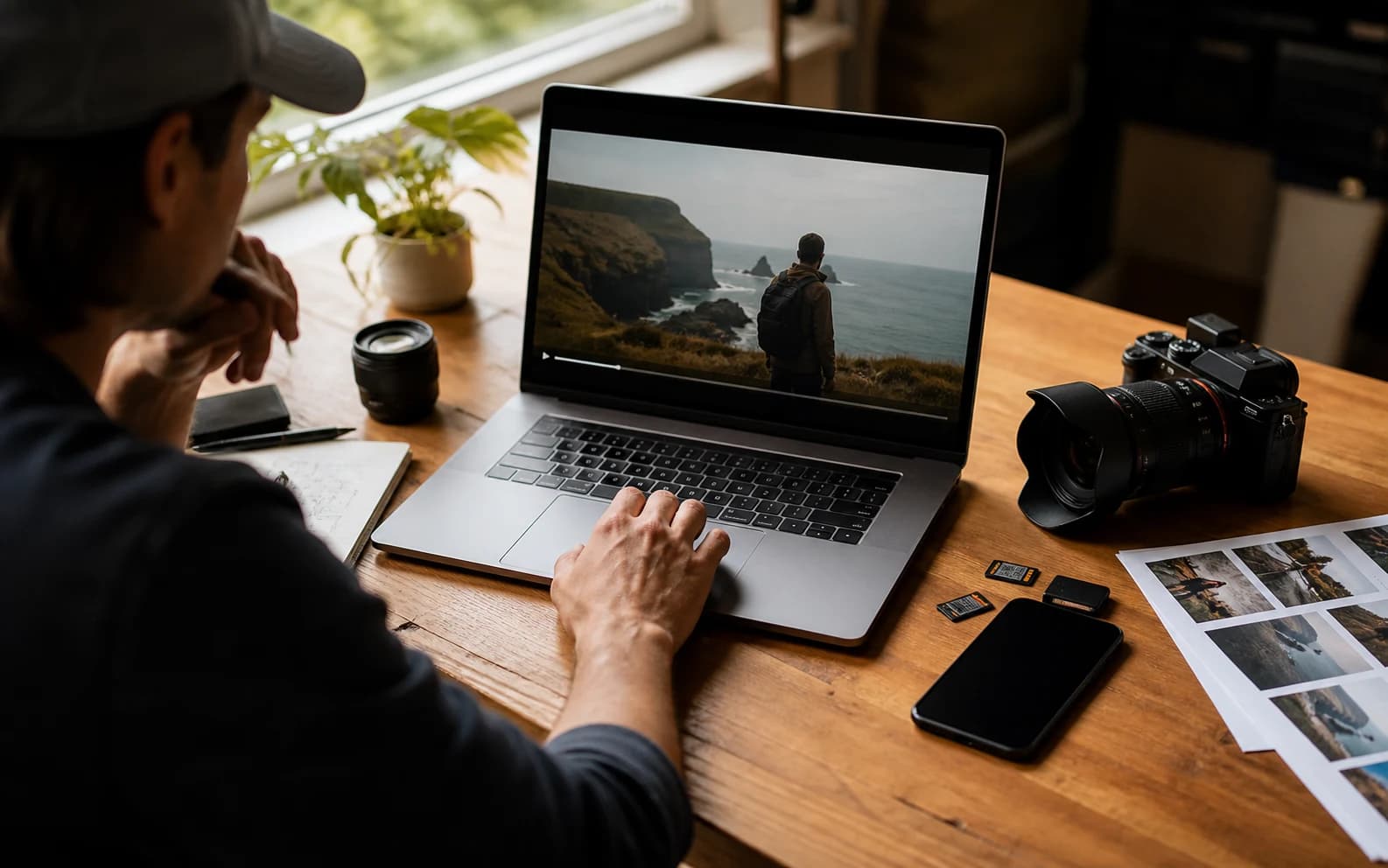
Realistisches Hero-Cover des Gemini-Video-Prompt-Generators

Gemini-Video-Prompt erstellen

Nenne Motiv, Handlung, Kamera, Stil, Audio und Vorgaben.153 / 1000

Only use videos, links, briefs, and brand material that you own, are authorized to analyze, or can lawfully reference. Do not use generated prompts to impersonate creators, copy protected work, or misrepresent a brand.

Vorlagen ausprobieren

Generierter Gemini-Prompt

Beispiele fuer Gemini-Videoprompts

Diese öffentlichen Referenzen zeigen, wie verschiedene Stile zu Gemini-ähnlichen Prompt-Entwürfen werden.

Produktfilm

Galaxy Watch Outdoor-Produktfilm

Auf YouTube ansehen

Generierter Gemini-Video-Prompt

Gemini video prompt

Create an 8-second video prompt for Gemini based on this creative brief: 8-second product film for a rugged smartwatch on an active outdoor user, with close product inserts, running and cycling action, bright outdoor contrast, and a stable final hero frame.

Settings:
Aspect ratio: 9:16
Duration: 8 seconds
Scene focus: Single continuous scene with one clear subject-action arc.

Core prompt elements:
Subject: Infer the main subject from the creative brief and keep the same identity, product, place, or character consistent across the clip.
Action: Infer one clear action or transformation from the creative brief and build every beat around that action.
Style: Product commercial
Camera positioning and motion: Eye-level camera positioning with Tracking shot camera movement.
Composition: Product hero frame
Focus and lens effects: Macro lens
Ambiance: Bright outdoor contrast with premium product highlights

Creative direction:
Expand missing details only when they support the creative brief. Keep the scene focused, preserve clear motion continuity, and make every frame readable on mobile and desktop.

Shot 1:
Open inside the single scene with a strong frame that introduces the subject, setting, lighting, and immediate viewer hook.

Shot 2:
Move into the key action. Emphasize texture, gesture, pace, and the main visual transformation described or implied by the brief.

Shot 3:
End with a clean hero moment, clear composition, stable focus, and enough caption room or call-to-action space if useful.

Audio:
Dialogue: Add spoken lines only when the brief explicitly asks for dialogue; otherwise rely on visual performance and nonverbal audio cues.
SFX: Specify close, scene-specific sound effects such as product handling, footsteps, cloth movement, transitions, or interface sounds.
Ambient noise: Specify the environmental bed, room tone, crowd texture, weather, street sound, or natural background noise.

Unwanted elements:
warped hands, distorted faces, unreadable text, flicker, jump cuts, extra limbs, unstable logos, muddy lighting, over-sharpening, inconsistent product details
Reisefilm

Filmische Island-Landschaftsmontage

Auf YouTube ansehen

Generierter Gemini-Video-Prompt

Gemini video prompt

Create an 8-second video prompt for Gemini based on this creative brief: 8-second cinematic travel video through Iceland landscapes, with waterfalls, volcanic roads, cold mist, wide scenic scale, and slow atmospheric movement.

Settings:
Aspect ratio: 16:9
Duration: 8 seconds
Scene focus: Single continuous scene with one clear subject-action arc.

Core prompt elements:
Subject: Infer the main subject from the creative brief and keep the same identity, product, place, or character consistent across the clip.
Action: Infer one clear action or transformation from the creative brief and build every beat around that action.
Style: Cinematic realistic
Camera positioning and motion: Aerial view camera positioning with Slow pan camera movement.
Composition: Wide shot
Focus and lens effects: Wide-angle lens
Ambiance: Cool natural daylight with mist and wind texture

Creative direction:
Expand missing details only when they support the creative brief. Keep the scene focused, preserve clear motion continuity, and make every frame readable on mobile and desktop.

Shot 1:
Open inside the single scene with a strong frame that introduces the subject, setting, lighting, and immediate viewer hook.

Shot 2:
Move into the key action. Emphasize texture, gesture, pace, and the main visual transformation described or implied by the brief.

Shot 3:
End with a clean hero moment, clear composition, stable focus, and enough caption room or call-to-action space if useful.

Audio:
Dialogue: Add spoken lines only when the brief explicitly asks for dialogue; otherwise rely on visual performance and nonverbal audio cues.
SFX: Specify close, scene-specific sound effects such as product handling, footsteps, cloth movement, transitions, or interface sounds.
Ambient noise: Specify the environmental bed, room tone, crowd texture, weather, street sound, or natural background noise.

Unwanted elements:
warped hands, distorted faces, unreadable text, flicker, jump cuts, extra limbs, unstable logos, muddy lighting, over-sharpening, inconsistent product details
Animierter Lifestyle

Kaffeegetriebene Erinnerungsmontage

Auf YouTube ansehen

Generierter Gemini-Video-Prompt

Gemini video prompt

Create an 8-second video prompt for Gemini based on this creative brief: 8-second animated lifestyle clip where coffee triggers warm interior memory fragments, expressive character motion, cozy practical light, and playful match cuts.

Settings:
Aspect ratio: 16:9
Duration: 8 seconds
Scene focus: Single continuous scene with one clear subject-action arc.

Core prompt elements:
Subject: Infer the main subject from the creative brief and keep the same identity, product, place, or character consistent across the clip.
Action: Infer one clear action or transformation from the creative brief and build every beat around that action.
Style: Animated
Camera positioning and motion: Eye-level camera positioning with Slow push-in camera movement.
Composition: Medium shot
Focus and lens effects: Shallow focus
Ambiance: Warm practical light with cozy interior contrast

Creative direction:
Expand missing details only when they support the creative brief. Keep the scene focused, preserve clear motion continuity, and make every frame readable on mobile and desktop.

Shot 1:
Open inside the single scene with a strong frame that introduces the subject, setting, lighting, and immediate viewer hook.

Shot 2:
Move into the key action. Emphasize texture, gesture, pace, and the main visual transformation described or implied by the brief.

Shot 3:
End with a clean hero moment, clear composition, stable focus, and enough caption room or call-to-action space if useful.

Audio:
Dialogue: Add spoken lines only when the brief explicitly asks for dialogue; otherwise rely on visual performance and nonverbal audio cues.
SFX: Specify close, scene-specific sound effects such as product handling, footsteps, cloth movement, transitions, or interface sounds.
Ambient noise: Specify the environmental bed, room tone, crowd texture, weather, street sound, or natural background noise.

Unwanted elements:
warped hands, distorted faces, unreadable text, flicker, jump cuts, extra limbs, unstable logos, muddy lighting, over-sharpening, inconsistent product details
2D/3D-Hybrid

Grease-Pencil-Rooftop-Action

Auf YouTube ansehen

Generierter Gemini-Video-Prompt

Gemini video prompt

Create an 8-second video prompt for Gemini based on this creative brief: 8-second 2D and 3D hybrid action showcase with a hand-drawn hero in a dimensional rooftop space, bold silhouettes, graphic camera staging, and crisp pose-to-pose motion.

Settings:
Aspect ratio: 16:9
Duration: 8 seconds
Scene focus: Single continuous scene with one clear subject-action arc.

Core prompt elements:
Subject: Infer the main subject from the creative brief and keep the same identity, product, place, or character consistent across the clip.
Action: Infer one clear action or transformation from the creative brief and build every beat around that action.
Style: Animated
Camera positioning and motion: Low-angle camera positioning with Tracking shot camera movement.
Composition: Single subject
Focus and lens effects: Deep focus
Ambiance: Graphic cinematic light with bold shadow shapes

Creative direction:
Expand missing details only when they support the creative brief. Keep the scene focused, preserve clear motion continuity, and make every frame readable on mobile and desktop.

Shot 1:
Open inside the single scene with a strong frame that introduces the subject, setting, lighting, and immediate viewer hook.

Shot 2:
Move into the key action. Emphasize texture, gesture, pace, and the main visual transformation described or implied by the brief.

Shot 3:
End with a clean hero moment, clear composition, stable focus, and enough caption room or call-to-action space if useful.

Audio:
Dialogue: Add spoken lines only when the brief explicitly asks for dialogue; otherwise rely on visual performance and nonverbal audio cues.
SFX: Specify close, scene-specific sound effects such as product handling, footsteps, cloth movement, transitions, or interface sounds.
Ambient noise: Specify the environmental bed, room tone, crowd texture, weather, street sound, or natural background noise.

Unwanted elements:
warped hands, distorted faces, unreadable text, flicker, jump cuts, extra limbs, unstable logos, muddy lighting, over-sharpening, inconsistent product details

Was ist ein Gemini Video-Prompt-Generator?

Ein Gemini Video-Prompt-Generator verwandelt eine grobe Idee in strukturierten Prompt-Text für Google-AI-Video-Workflows.

Er hilft, Motiv, Handlung, Szene, Kamera, Licht, Stil, Audio, Dauer und Qualitätsvorgaben klarer zu beschreiben.

So verwendest du den Gemini Video-Prompt-Generator

1

Mit Briefing oder Referenz starten

Beschreibe die Videoidee, Szenennotizen oder den Kontext einer öffentlichen Referenz.

2

Einstellungen wählen

Wähle Seitenverhältnis, Dauer, Stil, Kamera, Komposition, Objektiv und Stimmung.

3

Prompt generieren

Der Builder organisiert dein Briefing in kopierfertige Gemini-Prompt-Sprache.

4

Kopieren oder verfeinern

Kopiere die Ausgabe, ändere Einstellungen oder bearbeite das Briefing weiter.

Funktionen für Gemini-Video-Prompts

Halte Gemini-Prompt-Entwürfe auf sichtbare, testbare Videodetails fokussiert.

Prompt-Struktur

Ordnet lose Briefings in Motiv, Handlung, Szene, Kamera, Stil und Vorgaben.

Kamera und Bewegung

Ergänzt Bewegung, Framing und testbare Shot-Richtung.

Audio-Hinweise

Bezieht Atmosphäre, Dialog, Musikrhythmus und Soundeffekte ein, wenn sinnvoll.

Qualitätsvorgaben

Ergänzt Einschränkungen gegen instabile Motive, Flackern, unlesbare Schrift und matschige Bilder.

Wer nutzt einen Gemini Video-Prompt-Generator?

Nützlich für Creator, Marketing, Designteams und Prompt-Autoren, die Google-AI-Video-Prompts vorbereiten.

Creator

Entwirf kurze Videos aus Referenzideen und Szenennotizen.

Marketing

Mache aus Produktnutzen und Kampagnenwinkeln klare Prompt-Richtung.

Designteams

Stimme Szene, Stil, Bewegung und Schlussbild vor der Generierung ab.

Prompt-Autoren

Erstelle wiederverwendbare Prompt-Entwürfe für Gemini-Workflows.

Häufige Fragen

Antworten zu Gemini-Prompts, Ergebnis, Uploads, Datenschutz und kommerzieller Nutzung.

Was macht der Gemini Video-Prompt-Generator?

Er ordnet Briefings oder Referenznotizen zu strukturierten Prompts für Gemini-Video-Workflows.

Generiert er das finale Video?

Nein. Er erstellt nur Prompt-Text. Die finale Generierung findet in deinem Videomodell oder Workflow statt.

Kann ich aus einer Video-URL starten?

Nutze dafür zuerst Link zu Prompt oder YouTube-Video zu Prompt und übernimm das Ergebnis anschließend in den Gemini-Workflow.

Kann ich hier ein Video hochladen?

Dieses Tool arbeitet mit Briefings und Referenznotizen. Für Videoanalyse nutze das passende Video-zu-Prompt-Tool.

Welche Ausgabe bekomme ich?

Du erhältst einen strukturierten Prompt mit Szene, Kamera, Bewegung, Stil, Audio und Qualitätsdetails.

Ist mein Prompt öffentlich?

Nein. Private Prompts und Quellmaterial bleiben privat, außer du teilst sie.

Kann ich den Prompt kommerziell nutzen?

Generierten Text kannst du wiederverwenden; die finale Nutzung hängt von Rechten, Claims, Quellen und Plattformbedingungen ab.

Warum wirkt mein Prompt allgemein?

Ergänze vor dem Generieren konkretere Angaben zu Motiv, Handlung, Umgebung, Kamera, Licht, Stimmung und Schlussbild.