Prompt pack
Video to Prompt
KI liest das Video und erstellt strukturierte Prompts
SummaryUniversal promptPlatform promptPrompt anatomyRecommended settings
Wandle ein kurzes Video in Sekunden in Prompts um. Lade einen Referenzclip hoch und erhalte ein wiederverwendbares KI-Video-Prompt-Pack mit visueller Zusammenfassung, Kamerasprache, Licht, Rhythmus, negativem Prompt und modellfertigen Versionen.
Geeignet für
0-2-Min.-Clips
Lade einen Clip hoch und erstelle einen wiederverwendbaren Video-Prompt mit universeller und modellspezifischer Version.
Verwende nur Videos, Links, Briefings und Markenmaterial, das dir gehört, für dessen Analyse du autorisiert bist oder das du rechtmäßig referenzieren darfst. Nutze generierte Prompts nicht, um Urheber zu imitieren, geschützte Werke zu kopieren oder eine Marke irreführend darzustellen.
Lade ein Video hoch und erstelle ein Storyboard-Prompt-Pack
A cinematic night sequence featuring a motorcyclist moving through neon-lit streets with saturated reflections, dramatic contrast, and urban energy.
Stylized neon motorcycle scene with night lighting, reflective streets, and bold motion.
Cinematic neon night motorcycle sequence, rider in an urban street, saturated magenta and cyan lighting, glossy road reflections, dramatic contrast, controlled motion blur, moody film look, stable framing, energetic but readable pacing.
Create an 8-second cinematic night motorcycle sequence. A rider moves through neon-lit city streets, magenta and cyan reflections on wet pavement, dramatic contrast, stable tracking motion, controlled blur, energetic film pacing.
Ein Video-to-Prompt-Generator analysiert ein Referenzvideo und verwandelt sichtbare kreative Entscheidungen in Text-Prompts für KI-Videomodelle. Statt mit einem leeren Prompt zu starten, extrahierst du Szene, Motiv, Bewegung, Kamera, Licht, Stil, Stimmung, Rhythmus und Schnittlogik aus einem Video, das du bereits magst.
Starte mit einer Videodatei, einem unterstützten öffentlichen Link oder einem eingebauten Beispiel.
Zerlege Motive, Aktionen, Bildausschnitt, Kamerabewegungen, Licht, Stil und Rhythmus.
Erhalte einen kopierfertigen Haupt-Prompt plus Kamera-, Bewegungs-, Licht- und Schnittnotizen.
Kopiere, exportiere, generiere neu oder passe die Ausgabe an dein KI-Videomodell an.
Wähle einen kurzen Referenzclip oder starte mit einem Beispiel-Prompt-Pack.
Wähle Prompt-Version und Ausgabesprache passend zu deinem Workflow.
Das Tool analysiert Frames, Bewegung, Stil, Kamera-Hinweise und Schnitt-Rhythmus.
Nutze Universal-Prompt, Plattform-Prompt, TXT-Export oder XLSX-Export für den nächsten Schritt.
Beispiele zeigen, welche Prompt-Struktur du vor dem eigenen Upload erwarten kannst.
Cinematic street shot
Erfasst Kamerabewegung, Neonlicht, Reflexionen, Stimmung und Action-Rhythmus.
Product demo video
Extrahiert Produktframing, Materialoberfläche, Handbewegung, Licht und Hero-Shot-Timing.
Social short
Wandelt vertikale Creator-Edits in Prompts mit Hook, schnellen Schnitten, Captions und Rhythmus um.
Travel reel
Dokumentiert Ortsgefühl, Lens-Cues, Farbpalette, Übergänge und Bewegung.
Wenn du bereits ein Referenzvideo hast, verwandelt Video to Prompt Bildinhalt, Kamerasprache, Licht, Rhythmus und Stil in ein wiederverwendbares Prompt-Pack. So verbringst du weniger Zeit mit Pausieren, Screenshots und Beschreibungen aus dem Gedächtnis.
Prompt pack
KI liest das Video und erstellt strukturierte Prompts
Manual notes
Pausieren, Screenshots machen, erneut ansehen und von Hand ordnen
Plain text
KI soll das Video aus deiner Textbeschreibung erraten
Starte mit einem strukturierten Prompt aus einem Inspirationsvideo und passe ihn anschließend an dein Zielmodell an.
Short-video creators
40%Document the subject, camera, and rhythm from videos, ads, travel shots, or social videos.
Marketing teams
25%Turn videos, product demos, and ad videos into reusable prompts quickly.
Education and commerce
20%Summarize course, explainer, and product videos into visual structure and style language.
Research and archive
15%Convert reference videos into searchable, editable text structure.
Nach dem Upload eines kurzen Videos erhältst du Universalversion, Plattformversionen, Prompt-Struktur und empfohlene Einstellungen. Kopiere zuerst den universellen Prompt für einen schnellen Test und nutze danach die Plattformversion für Feintuning.
Video to Prompt
ca. 30 Sek.Manuelle Analyse
ca. 5-10 Min.Allgemeine KI
ca. 2-5 Min.Wähle einen Referenzvideotyp und erstelle schnell Prompts, die du bearbeiten und in deine Zielplattform kopieren kannst.
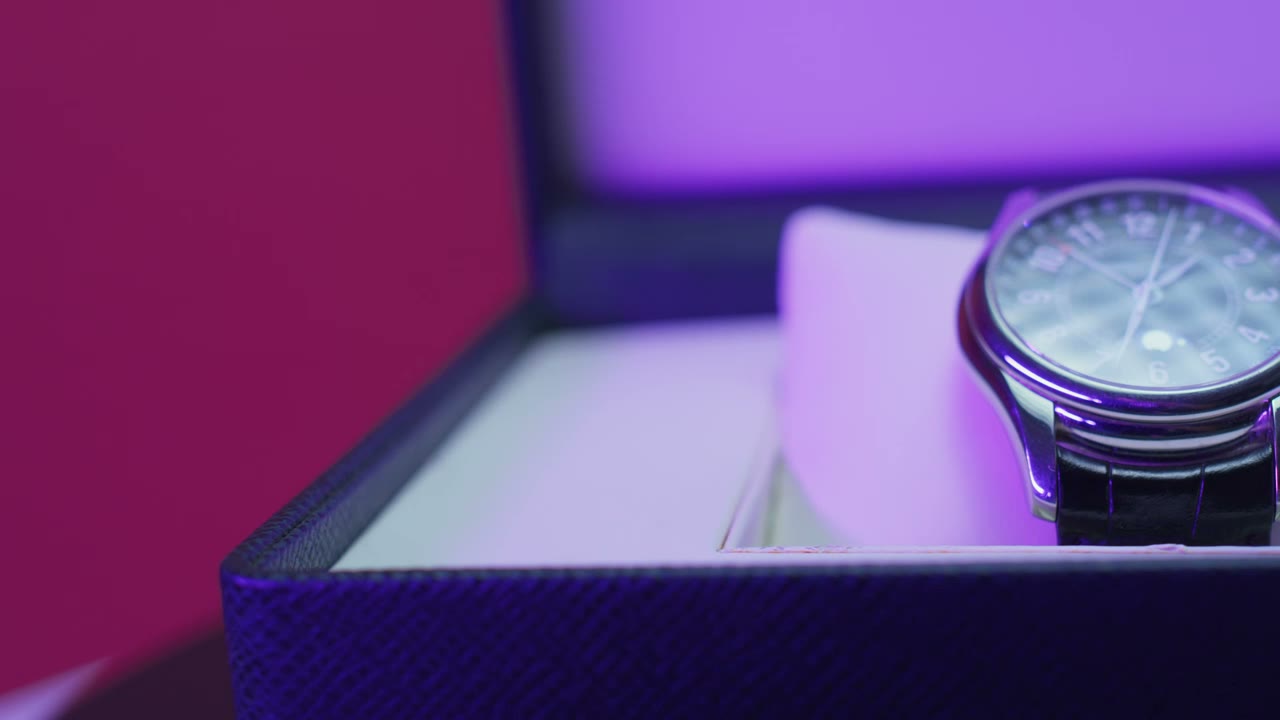
Extract subject, material, camera movement, lighting, and rhythm from product demos, then rewrite them into product shorts or ad scripts.
Good for unboxing, product demos, and brand ads. Outputs universal prompts, platform prompts, prompt anatomy, and recommended settings.
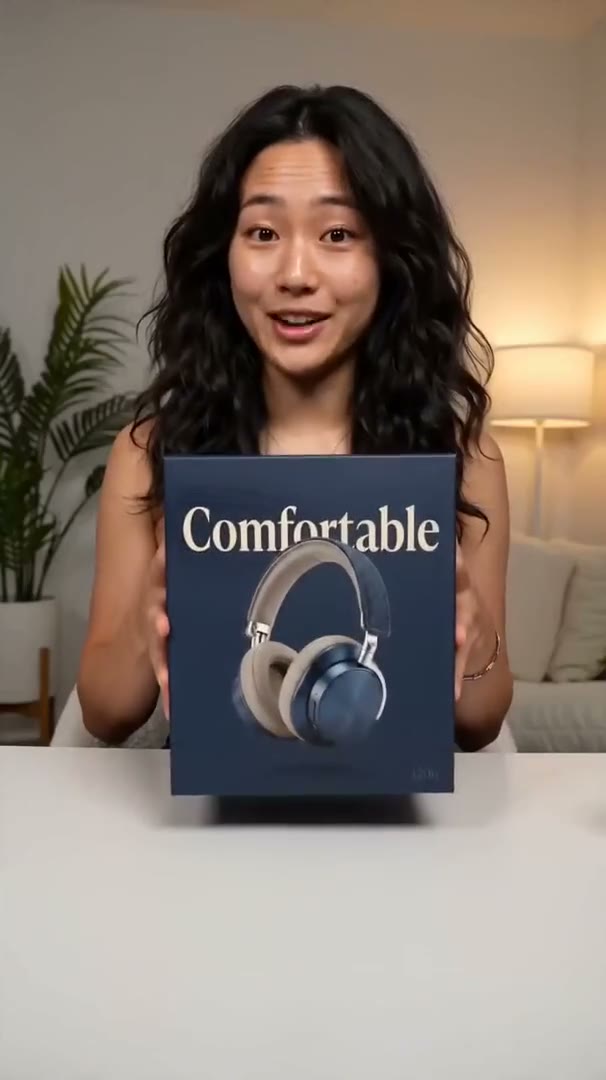
Organize people, product, setting, handheld camera language, and spoken pacing into reusable short-video generation prompts.
Good for TikTok, Reels, and creator-style references while keeping hooks, product moments, transitions, and emotional rhythm.
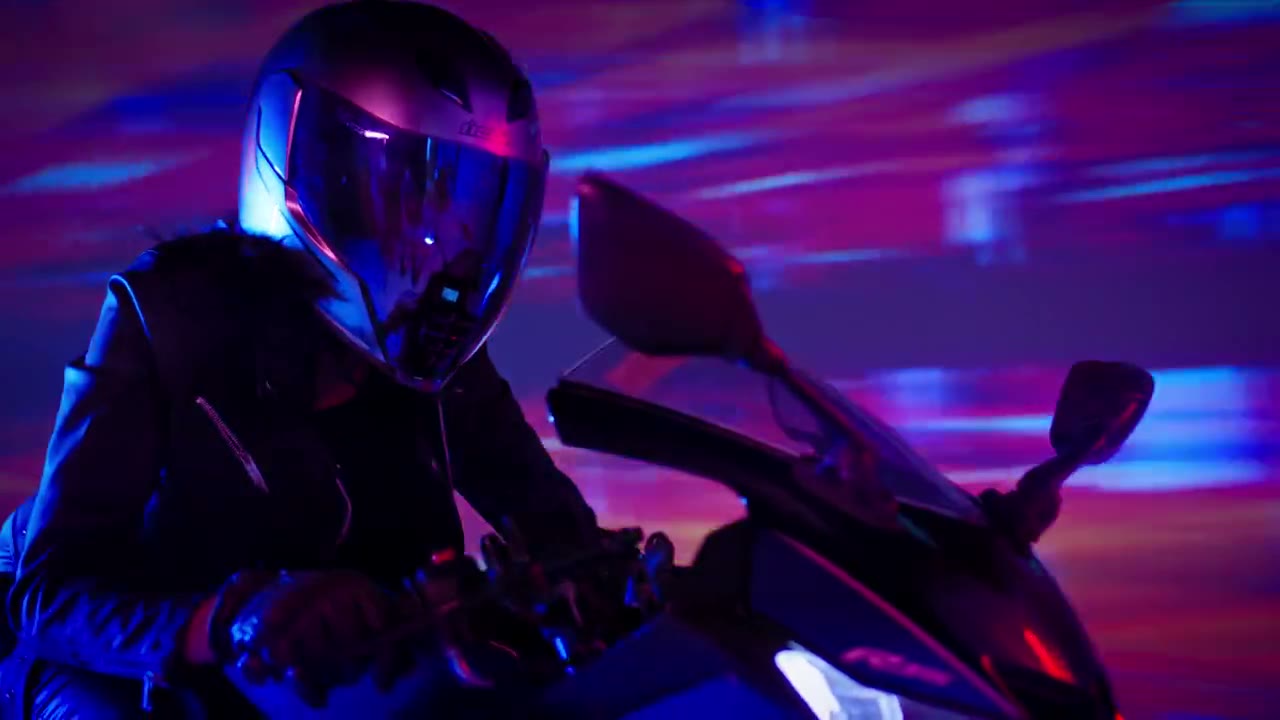
Break down visual style, movement direction, camera language, lighting mood, and rhythm so you can describe a similar visual direction.
Good for cinematic shorts, music videos, and ad videos. Use it as a starting point, then tune for Veo, Runway, Kling, and more.
Trim a 0-2 minute segment and generate summary, subject action, setting, camera, lighting, style, and pacing notes.
Good for pulling one reference moment from courses, films, interviews, or asset libraries and turning it into a searchable prompt pack.
The free version is built for searchers who need a fast video to prompt workflow: upload a clip, generate a structured prompt pack, and copy the version that fits your target model.
Choose a short reference clip. The browser uploads the video directly to storage through a signed URL.
The AI video prompt generator reads the clip and extracts subject, action, camera, lighting, style, and pacing.
Copy the universal video prompt or switch to a model-ready version for Veo, Runway, Kling, Sora, or 即梦 (Seedance).
Each video to prompt result separates source analysis from prompt text, negative prompt, and model settings so creators can reuse the output without rewriting it.
Video description and summary
Subject, action, setting, camera, lighting, style, mood, and pacing
Negative prompt and recommended settings
Platform-specific prompt versions
Long-form video to prompt analysis is a paid workflow because it must split the source into ordered shots, analyze each segment, and export a production-ready prompt package.
| Feature | Free | Advanced |
|---|---|---|
| Access | No login | Login required |
| Source length | Short clips | Long-video full breakdown |
| Output | Universal + platform prompts | Ordered shot records + exports |
| History | Current session | Saved jobs |
| Priority | Standard queue | Higher priority |
Der Generator ist für schnelle Referenzvideo-Analysen gebaut. Prüfe Limits, Datenschutz und Ausgabequalität vor dem Upload.
Abonniere monatliche Credits oder kaufe bei Bedarf einmalige Credit-Pakete.
Prompt Generator verbraucht 1 Credit. Video to Prompt verbraucht 2 Credits.
200 Credits enthalten
Jetzt loslegen1.000 Credits enthalten
Jetzt loslegenPrompt packs are shaped around public model documentation and provider guidance.
"Veo 3.1 is a model for generating video with native audio."
Google AI for Developers
Used to align prompt packs with video generation inputs for Google Veo workflows.
"The prompt defines the creative look and feel"
OpenAI API documentation
Used to keep Sora-style prompt output focused on subjects, camera, lighting, and motion.
"example structures, keywords, and prompting tips"
Runway Help Center
Used to map breakdown fields into practical Gen-4 prompt structures.
"multi-shot video generation from both text and image"
ByteDance Seed
Used to support Seedance-style multi-shot and reference-video prompt packs.