Video-Prompt-Optimierer

Füge einen groben Video-Prompt ein und mache daraus eine klarere, besser testbare Version mit Szenenbeats, Kamerabewegung, Audio-Richtung, Stil und optionalen Vorgaben.

Prompt-OptimierungOhne Anmeldung10 Gratis-Nutzungen pro TagKamera und BewegungAudio-Richtung
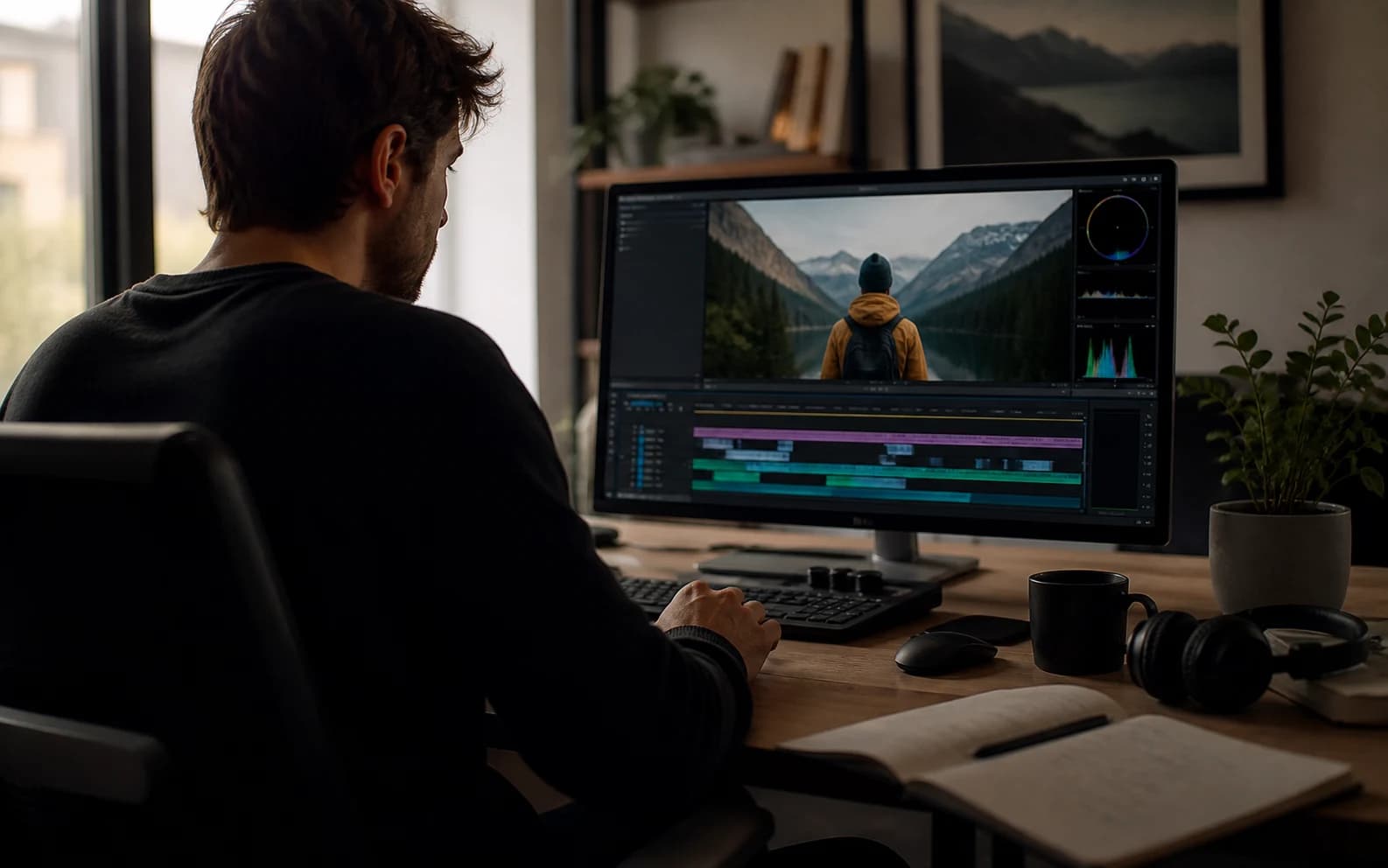
Cover des Video-Prompt-Optimierers mit filmischer KI-Video-Referenz

Video-Prompt verbessern

Nenne Motiv, Handlung, Stil, Kamera, Audio und bekannte Vorgaben.0 / 1200

Only use videos, links, briefs, and brand material that you own, are authorized to analyze, or can lawfully reference. Do not use generated prompts to impersonate creators, copy protected work, or misrepresent a brand.

Vorlagen ausprobieren

Dein optimierter Prompt

Beispiele für Video-Prompt-Optimierung

Diese Beispiele zeigen, wie dünne Prompt-Ideen zu konkreteren Videoanweisungen werden.

KI-Drama

NIGHTBORNE Sci-Fi-Rückkehrszene

Eine vage Sci-Fi-Idee wird zu einem produktionsreifen Prompt mit dokumentarischer Textur, Spannung, Archivmonitoren und kontrollierter Enthüllung.

Auf YouTube ansehen

Optimierter Prompt

Original idea: Make an AI sci-fi horror drama about a missing soldier coming back.

Enhanced prompt:
Create a long AI video prompt based on the original idea. Keep the core concept, subject, and intended outcome, but make the prompt more specific, visual, and testable. Use the reference as visual guidance without copying irrelevant details: https://www.youtube.com/watch?v=8Wbtt2JxP7g.

Scene and subject:
State the main subject, setting, time of day, visible action, emotional tone, important props, and the first thing viewers should notice.

Motion and pacing:
Describe how the action develops from opening frame to final frame. Use concrete movement, timing, cause and effect, and a clear visual payoff.

Camera direction:
Use Slow dolly push with medium close-up with stable framing, readable focus, and camera movement that supports the main action.

Lighting and style:
Use a coherent visual style with controlled light, color, contrast, texture, and atmosphere. Match the detail level to Cinematic output.

Audio direction:
Room tone with natural dialogue pauses

Constraints:
Keep the subject consistent, avoid unrelated visual additions, make the final frame clear, and leave safe composition space when captions or UI overlays may be added.

Negative prompt:
Avoid vague action, unstable subject identity, random scene changes, warped anatomy, unreadable text, logo drift, flicker, smeared motion, muddy lighting, oversaturated color, and audio that does not match the visible action.
KI-Drama

Voicemail-Erinnerungsdrama

Ein dünner emotionaler Prompt wird zu einer filmischeren Erinnerungsszene mit surrealen Übergängen, Isolation, Voiceover-Stimmung und zurückhaltender Bewegung.

Auf YouTube ansehen

Optimierter Prompt

Original idea: Make a sad AI video about a person leaving a voicemail and remembering someone.

Enhanced prompt:
Create a long AI video prompt based on the original idea. Keep the core concept, subject, and intended outcome, but make the prompt more specific, visual, and testable. Use the reference as visual guidance without copying irrelevant details: https://www.youtube.com/watch?v=1TlY7jkyqz4.

Scene and subject:
State the main subject, setting, time of day, visible action, emotional tone, important props, and the first thing viewers should notice.

Motion and pacing:
Describe how the action develops from opening frame to final frame. Use concrete movement, timing, cause and effect, and a clear visual payoff.

Camera direction:
Use Handheld tracking with natural sway with stable framing, readable focus, and camera movement that supports the main action.

Lighting and style:
Use a coherent visual style with controlled light, color, contrast, texture, and atmosphere. Match the detail level to Cinematic output.

Audio direction:
Room tone with natural dialogue pauses

Constraints:
Keep the subject consistent, avoid unrelated visual additions, make the final frame clear, and leave safe composition space when captions or UI overlays may be added.

Negative prompt:
Avoid vague action, unstable subject identity, random scene changes, warped anatomy, unreadable text, logo drift, flicker, smeared motion, muddy lighting, oversaturated color, and audio that does not match the visible action.
Brand Hero

Galaxy Watch Outdoor-Brand-Film

Eine kurze Produktnotiz wird zu einem polierten Markenprompt mit Athletik, Makrodetails, klarem Licht und kontrolliertem Schlussbild.

Auf YouTube ansehen

Optimierter Prompt

Original idea: Make a premium smartwatch ad with outdoor action and close-ups.

Enhanced prompt:
Create a medium AI video prompt based on the original idea. Keep the core concept, subject, and intended outcome, but make the prompt more specific, visual, and testable. Use the reference as visual guidance without copying irrelevant details: https://www.youtube.com/watch?v=VHxyW2zwwgU.

Scene and subject:
State the main subject, setting, time of day, visible action, emotional tone, important props, and the first thing viewers should notice.

Motion and pacing:
Describe how the action develops from opening frame to final frame. Use concrete movement, timing, cause and effect, and a clear visual payoff.

Camera direction:
Use Macro push-in with stable hero framing with stable framing, readable focus, and camera movement that supports the main action.

Lighting and style:
Use a coherent visual style with controlled light, color, contrast, texture, and atmosphere. Match the detail level to Detailed output.

Audio direction:
Subtle studio ambience and soft mechanical clicks

Constraints:
Keep the subject consistent, avoid unrelated visual additions, make the final frame clear, and leave safe composition space when captions or UI overlays may be added.

Negative prompt:
Avoid vague action, unstable subject identity, random scene changes, warped anatomy, unreadable text, logo drift, flicker, smeared motion, muddy lighting, oversaturated color, and audio that does not match the visible action.

Was ist ein Video-Prompt-Optimierer?

Ein Video-Prompt-Optimierer schreibt eine grobe Idee in einen spezifischeren KI-Video-Prompt mit sichtbarer Szenenführung um.

Nutze ihn, wenn ein Prompt zu vage ist und klarere Angaben zu Motiv, Handlung, Kamera, Licht, Stil, Audio, Dauer und Vorgaben braucht.

So verbesserst du einen Video-Prompt

1

Grobe Idee einfügen

Beginne mit deiner aktuellen Idee, auch wenn sie kurz oder unfertig ist.

2

Einstellungen wählen

Wähle Workflow, Seitenverhältnis, Dauer, Stil, Kamera und Stimmung.

3

Prompt verbessern

Das Tool ergänzt fehlende Details und bewahrt den Kern deiner Idee.

4

Kopieren oder überarbeiten

Nutze das verbesserte Ergebnis direkt oder verfeinere das Brief weiter.

Funktionen für stärkere Video-Prompts

Verfeinere dünne Ideen zu Prompts mit klarer visueller Kontrolle und weniger Mehrdeutigkeit.

Prompt-Umschreibung

Macht aus lockerer Formulierung einen strukturierten, kopierfertigen Video-Prompt.

Kamera und Bewegung

Ergänzt lesbare Kamerabewegung, Framing, Timing und Motivhandlung.

Audio-Richtung

Bezieht Atmosphäre, Dialog, Soundeffekte und Rhythmus ein, wenn es sinnvoll ist.

Klarer Vorher/Nachher

Bewahrt deine Idee und ergänzt die fehlenden Produktionsdetails.

Strukturierte Ausgabe

Unterstützt saubere Prompt-Felder für wiederholbare Workflows und Reviews.

Qualitätsvorgaben

Ergänzt Einschränkungen gegen Flackern, instabile Motive, schlechte Schrift und matschige Bilder.

Wer nutzt einen Video-Prompt-Optimierer?

Für Creator, Social-Teams, Agenturen, Prompt-Bibliotheken und Video-Ad-Teams.

Creator

Mache kurze Prompts vor der Generierung konkreter.

Social-Teams

Übersetze grobe Hooks in klarere Anweisungen für vertikale Videos.

Agenturen

Bereite kundenfertige Prompt-Entwürfe aus losen Notizen vor.

Prompt-Bibliotheken

Normalisiere Prompt-Beispiele für Wiederverwendung und Vergleich.

Videoanzeigen

Ergänze Produkt, Nutzenversprechen, CTA, Kamera und Schlussbild.

Häufige Fragen

Antworten zu Prompt-Optimierung, Modellen, Referenzmedien, Datenschutz und kommerzieller Nutzung.

Was macht der Video-Prompt-Optimierer?

Er verwandelt eine grobe Videoidee in einen vollständigeren Prompt mit Szene, Kamera, Audio, Stil und Qualitätsvorgaben.

Wie unterscheidet er sich von einem Prompt-Generator?

Ein Generator kann bei einer leeren Idee beginnen; ein Optimierer verbessert Prompt-Text, den du bereits hast.

Welche Modelle können das Ergebnis nutzen?

Du kannst das Ergebnis für Sora, Veo, Gemini, Runway, Kling, Seedance und andere KI-Video-Workflows anpassen.

Erstellt das Tool das finale Video?

Nein. Es erstellt nur Prompt-Text. Die finale Videogenerierung passiert in deinem Modell oder Workflow.

Kann ich Referenzmedien hinzufügen?

Ja. Du kannst eine öffentliche Referenz-URL oder einen Mediennamen hinzufügen, damit der Prompt näher an deiner Richtung bleibt.

Bleibt meine ursprüngliche Idee erhalten?

Ja. Der Optimierer bewahrt die Kernidee und ergänzt klarere Szenen-, Kamera-, Audio- und Vorgabedetails.

Gibt es JSON-Ausgabe?

Ja. Strukturierte Felder helfen beim Review, bei Archivierung und automatisierten Workflows.

Kann ich verbesserte Prompts kommerziell nutzen?

Den generierten Text kannst du wiederverwenden; finale kommerzielle Nutzung hängt von Rechten, Claims, Quellen und Plattformbedingungen ab.