Optimizador de prompts de video

Pega un prompt de video básico y conviértelo en una versión más clara y fácil de probar, con beats de escena, movimiento de cámara, dirección de audio, estilo y restricciones opcionales.

Mejora de promptsSin registro10 usos gratis al díaCámara y movimientoDirección de audio
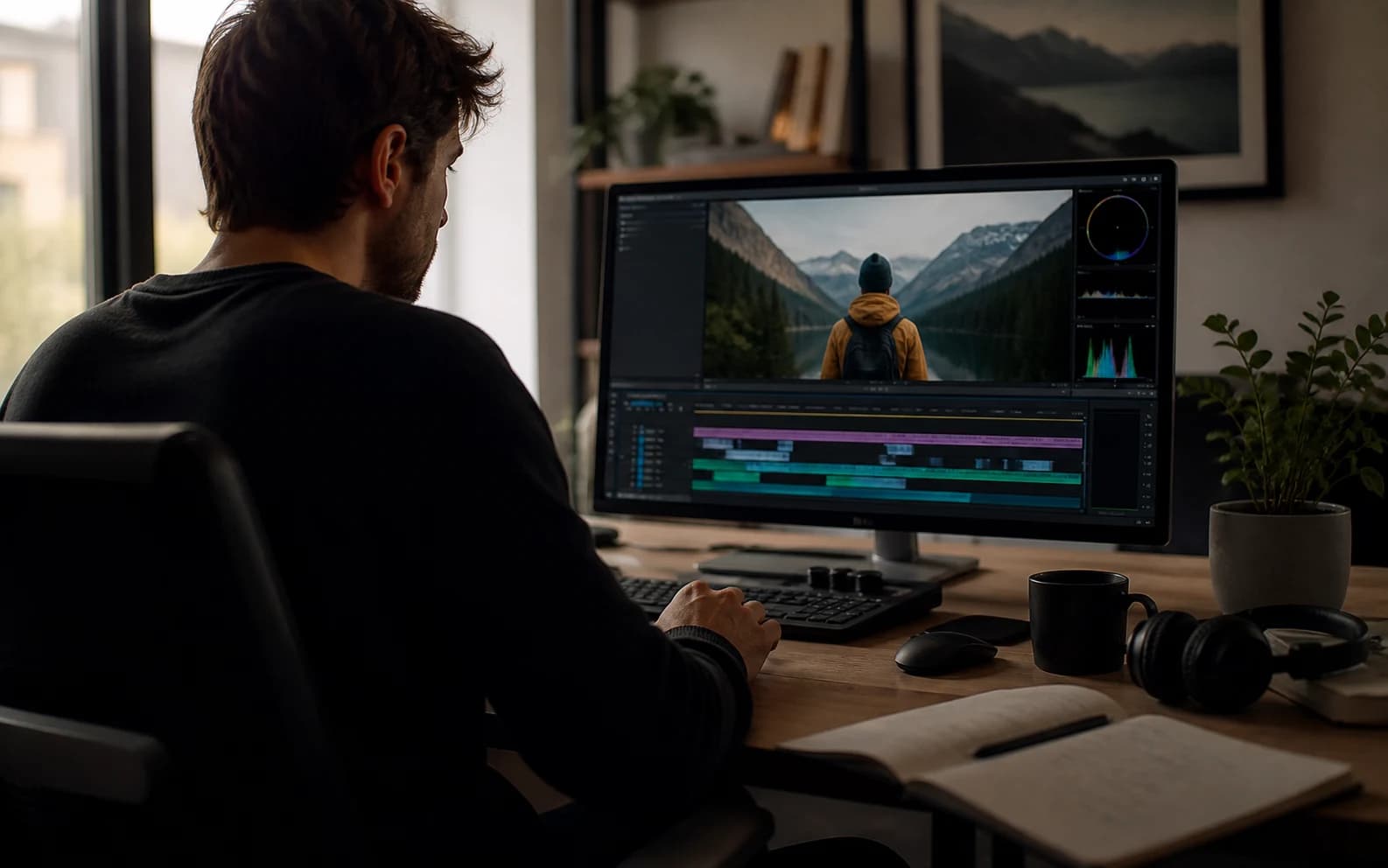
Portada del optimizador de prompts de video con referencia cinematográfica de video IA

Optimiza un prompt de video

Incluye sujeto, acción, estilo, cámara, audio y restricciones que ya conozcas.0 / 1200

Only use videos, links, briefs, and brand material that you own, are authorized to analyze, or can lawfully reference. Do not use generated prompts to impersonate creators, copy protected work, or misrepresent a brand.

Probar plantillas

Tu prompt mejorado

Ejemplos de optimización de prompts de video

Estos ejemplos muestran cómo ideas delgadas se vuelven direcciones de video más específicas.

Drama IA

Escena de regreso sci-fi de NIGHTBORNE

Una idea vaga de ciencia ficción se convierte en un prompt listo para producción con textura documental, tensión, monitores de archivo y revelación controlada.

Ver en YouTube

Prompt mejorado

Original idea: Make an AI sci-fi horror drama about a missing soldier coming back.

Enhanced prompt:
Create a long AI video prompt based on the original idea. Keep the core concept, subject, and intended outcome, but make the prompt more specific, visual, and testable. Use the reference as visual guidance without copying irrelevant details: https://www.youtube.com/watch?v=8Wbtt2JxP7g.

Scene and subject:
State the main subject, setting, time of day, visible action, emotional tone, important props, and the first thing viewers should notice.

Motion and pacing:
Describe how the action develops from opening frame to final frame. Use concrete movement, timing, cause and effect, and a clear visual payoff.

Camera direction:
Use Slow dolly push with medium close-up with stable framing, readable focus, and camera movement that supports the main action.

Lighting and style:
Use a coherent visual style with controlled light, color, contrast, texture, and atmosphere. Match the detail level to Cinematic output.

Audio direction:
Room tone with natural dialogue pauses

Constraints:
Keep the subject consistent, avoid unrelated visual additions, make the final frame clear, and leave safe composition space when captions or UI overlays may be added.

Negative prompt:
Avoid vague action, unstable subject identity, random scene changes, warped anatomy, unreadable text, logo drift, flicker, smeared motion, muddy lighting, oversaturated color, and audio that does not match the visible action.
Drama IA

Drama de memoria por buzón de voz

Un prompt emocional delgado se vuelve una pieza de memoria más cinematográfica con transiciones surrealistas, aislamiento, tono de voz en off y movimiento contenido.

Ver en YouTube

Prompt mejorado

Original idea: Make a sad AI video about a person leaving a voicemail and remembering someone.

Enhanced prompt:
Create a long AI video prompt based on the original idea. Keep the core concept, subject, and intended outcome, but make the prompt more specific, visual, and testable. Use the reference as visual guidance without copying irrelevant details: https://www.youtube.com/watch?v=1TlY7jkyqz4.

Scene and subject:
State the main subject, setting, time of day, visible action, emotional tone, important props, and the first thing viewers should notice.

Motion and pacing:
Describe how the action develops from opening frame to final frame. Use concrete movement, timing, cause and effect, and a clear visual payoff.

Camera direction:
Use Handheld tracking with natural sway with stable framing, readable focus, and camera movement that supports the main action.

Lighting and style:
Use a coherent visual style with controlled light, color, contrast, texture, and atmosphere. Match the detail level to Cinematic output.

Audio direction:
Room tone with natural dialogue pauses

Constraints:
Keep the subject consistent, avoid unrelated visual additions, make the final frame clear, and leave safe composition space when captions or UI overlays may be added.

Negative prompt:
Avoid vague action, unstable subject identity, random scene changes, warped anatomy, unreadable text, logo drift, flicker, smeared motion, muddy lighting, oversaturated color, and audio that does not match the visible action.
Hero de marca

Film outdoor de marca Galaxy Watch

Una nota breve de producto se convierte en un prompt de marca pulido con acción de atletas, macrodetalle de producto, luz limpia y control del plano final.

Ver en YouTube

Prompt mejorado

Original idea: Make a premium smartwatch ad with outdoor action and close-ups.

Enhanced prompt:
Create a medium AI video prompt based on the original idea. Keep the core concept, subject, and intended outcome, but make the prompt more specific, visual, and testable. Use the reference as visual guidance without copying irrelevant details: https://www.youtube.com/watch?v=VHxyW2zwwgU.

Scene and subject:
State the main subject, setting, time of day, visible action, emotional tone, important props, and the first thing viewers should notice.

Motion and pacing:
Describe how the action develops from opening frame to final frame. Use concrete movement, timing, cause and effect, and a clear visual payoff.

Camera direction:
Use Macro push-in with stable hero framing with stable framing, readable focus, and camera movement that supports the main action.

Lighting and style:
Use a coherent visual style with controlled light, color, contrast, texture, and atmosphere. Match the detail level to Detailed output.

Audio direction:
Subtle studio ambience and soft mechanical clicks

Constraints:
Keep the subject consistent, avoid unrelated visual additions, make the final frame clear, and leave safe composition space when captions or UI overlays may be added.

Negative prompt:
Avoid vague action, unstable subject identity, random scene changes, warped anatomy, unreadable text, logo drift, flicker, smeared motion, muddy lighting, oversaturated color, and audio that does not match the visible action.

¿Qué es un optimizador de prompts de video?

Reescribe una idea básica en un prompt de video IA más específico con dirección visible de escena.

Úsalo cuando un prompt parezca demasiado vago y necesite sujeto, acción, cámara, iluminación, estilo, audio, duración y restricciones más claras.

Cómo optimizar un prompt de video

1

Pega un prompt básico

Empieza con tu idea actual, aunque sea corta o desordenada.

2

Elige ajustes

Selecciona flujo, relación de aspecto, duración, estilo, cámara y ambiente.

3

Optimiza el prompt

La herramienta expande detalles faltantes sin perder la idea original.

4

Copia o revisa

Usa el resultado directamente o sigue refinando el brief.

Funciones para prompts de video más fuertes

Refina ideas delgadas hasta prompts con control visual claro y menos ambigüedad.

Reescritura del prompt

Convierte una redacción suelta en un prompt de video estructurado y listo para copiar.

Cámara y movimiento

Añade movimiento de cámara, encuadre, ritmo y acción del sujeto de forma legible.

Dirección de audio

Incluye ambiente, diálogo, efectos y ritmo cuando aporta valor.

Claridad antes/después

Conserva tu idea y añade los detalles de producción que faltan.

Salida estructurada

Admite campos de prompt más limpios para flujos repetibles y revisión.

Restricciones de calidad

Añade límites contra parpadeos, sujetos inestables, texto defectuoso y visuales confusos.

¿Quién usa un optimizador de prompts de video?

Para creadores, equipos sociales, agencias, bibliotecas de prompts y equipos de video ads.

Creadores

Haz que prompts cortos sean más específicos antes de generar.

Equipos sociales

Convierte hooks básicos en direcciones verticales más claras.

Agencias

Prepara borradores listos para cliente desde notas sueltas.

Bibliotecas de prompts

Normaliza ejemplos para reutilizarlos y compararlos.

Anuncios de video

Añade producto, beneficio, CTA, cámara y detalles del plano final.

Preguntas frecuentes

Respuestas sobre optimización de prompts, modelos, referencias, privacidad y uso comercial.

¿Qué hace el optimizador de prompts de video?

Convierte una idea básica en un prompt más completo con escena, cámara, audio, estilo y restricciones de calidad.

¿En qué se diferencia de un generador?

Un generador puede empezar desde una idea en blanco; un optimizador mejora texto de prompt que ya tienes.

¿Qué modelos pueden usar el resultado?

Puedes adaptarlo a Sora, Veo, Gemini, Runway, Kling, Seedance u otros flujos de video IA.

¿Crea el video final?

No. Solo crea texto de prompt. La generación final ocurre en el modelo o flujo que uses.

¿Puedo añadir medios de referencia?

Sí. Puedes incluir una URL pública o un nombre de referencia para orientar mejor el resultado.

¿Mantiene mi idea original?

Sí. Conserva el núcleo de la idea y añade escena, cámara, audio y restricciones más claras.

¿Admite salida JSON?

Sí. Los campos estructurados ayudan a revisar, archivar y automatizar flujos.

¿Puedo usar prompts optimizados comercialmente?

Puedes reutilizar el texto generado, pero el uso comercial final depende de derechos, claims, materiales fuente y términos de plataforma.