Generador de prompts para Veo 3

Convierte una idea, nota de escena o prompt básico en un prompt estructurado para Veo 3 con movimiento de cámara, acción, estilo, audio, duración y salida JSON opcional.

Builder para Veo 3Sin registro10 usos gratis al díaDesglose de shots
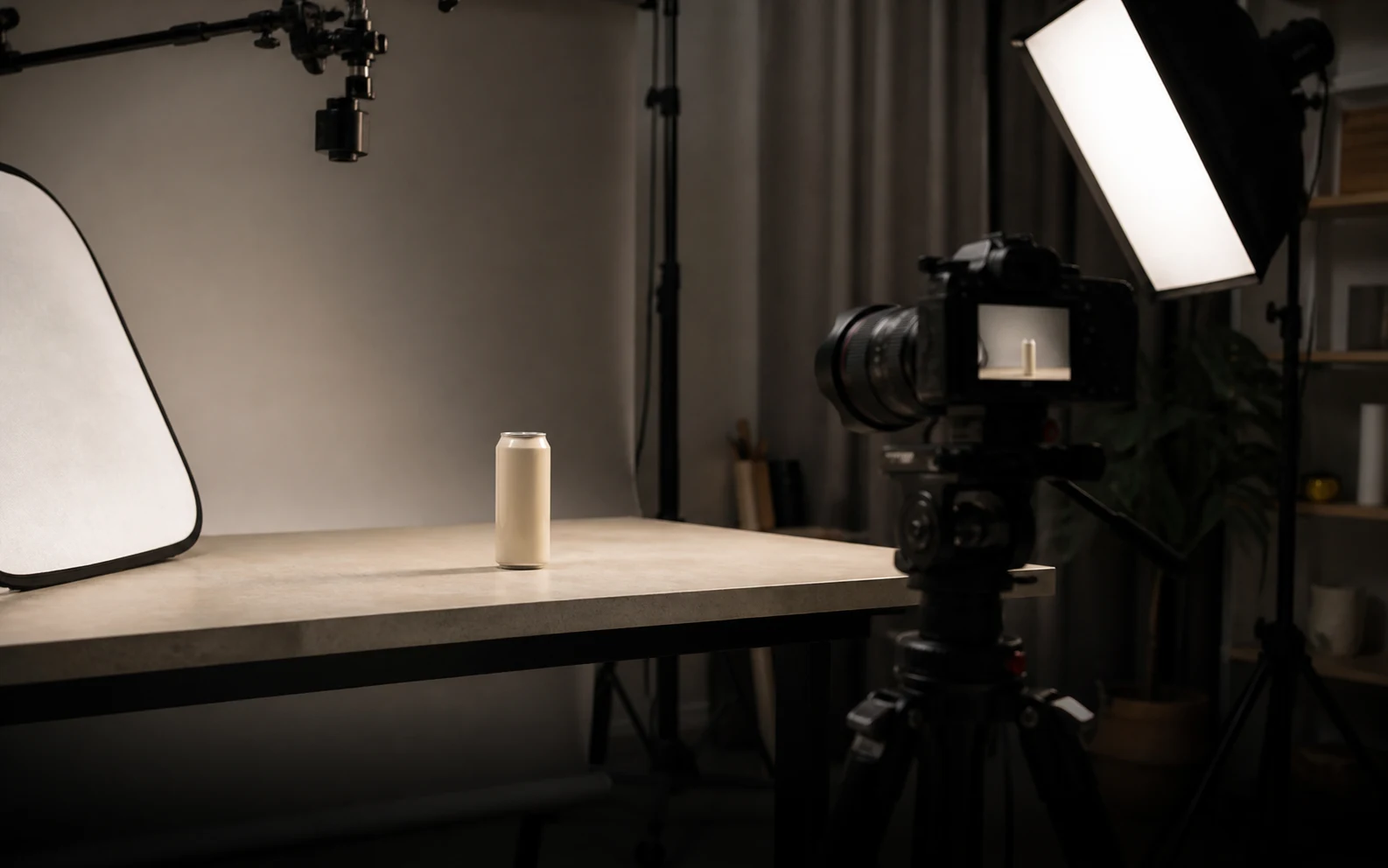
Portada de rodaje de producto realista para el generador de prompts de Veo 3

Crear prompt para Veo 3

Incluye sujeto, acción, estilo, cámara, audio y restricciones que ya conozcas.174 / 1200

Only use videos, links, briefs, and brand material that you own, are authorized to analyze, or can lawfully reference. Do not use generated prompts to impersonate creators, copy protected work, or misrepresent a brand.

Prueba un ejemplo para Veo 3

Prompt para Veo 3 generado

Ejemplos y resultados de prompts para Veo 3

Estos ejemplos muestran lo que puede producir el generador antes de escribir tu propia idea. Son ejemplos públicos, no resultados privados de usuarios.

Hero de marca

Referencia de lanzamiento AirPods Pro 3

Una referencia pulida de lanzamiento se convierte en un prompt de Veo 3 con detalle nítido de producto, energía lifestyle, encuadre de marca limpio y momento hero final.

Ver en YouTube

Prompt para Veo 3 generado

Veo 3 video prompt

Create an 8-second video prompt for Veo 3 based on this creative brief: 8-second brand hero film for AirPods Pro 3, with sleek white product close-ups, active lifestyle movement, clean Apple-style staging, premium highlights, synchronized sound cues, and a stable final product reveal.

Settings:
Aspect ratio: 16:9
Duration: 8 seconds
Scene focus: Single continuous scene with one clear subject-action arc.
Reference URL: https://www.youtube.com/watch?v=sjiU1kWgpJ8

Core prompt elements:
Subject: Infer the main subject from the creative brief and keep the same identity, product, place, or character consistent across the clip.
Action: Infer one clear action or transformation from the creative brief and build every beat around that action.
Style: Product commercial
Camera positioning and motion: Eye-level camera positioning with Tracking shot camera movement.
Composition: Product hero frame
Focus and lens effects: Macro lens
Ambiance: Bright studio

Creative direction:
Expand missing details only when they support the creative brief. Keep the scene focused, preserve clear motion continuity, and make every frame readable on mobile and desktop.

Shot 1:
Open inside the single scene with a strong frame that introduces the subject, setting, lighting, and immediate viewer hook.

Shot 2:
Move into the key action. Emphasize texture, gesture, pace, and the main visual transformation described or implied by the brief.

Shot 3:
End with a clean hero moment, clear composition, stable focus, and enough caption room or call-to-action space if useful.

Audio:
Dialogue: Add spoken lines only when the brief explicitly asks for dialogue; otherwise rely on visual performance and nonverbal audio cues.
SFX: Specify close, scene-specific sound effects such as product handling, footsteps, cloth movement, transitions, or interface sounds.
Ambient noise: Specify the environmental bed, room tone, crowd texture, weather, street sound, or natural background noise.

Unwanted elements:
warped hands, distorted faces, unreadable text, flicker, jump cuts, extra limbs, unstable logos, muddy lighting, over-sharpening, inconsistent product details
UGC

Referencia de anuncio UGC de alto rendimiento

Una referencia de anuncio guiada por creador se convierte en un prompt vertical para Veo 3 con hook rápido, cámara handheld, prueba de producto, entrega natural y composición segura para subtítulos.

Ver en YouTube

Prompt para Veo 3 generado

Veo 3 video prompt

Create an 8-second video prompt for Veo 3 based on this creative brief: 8-second vertical UGC product ad with a creator speaking directly to camera, fast first-line hook, casual handheld phone framing, quick product close-up, authentic reaction, natural room tone, and a simple final callout.

Settings:
Aspect ratio: 9:16
Duration: 8 seconds
Scene focus: Single continuous scene with one clear subject-action arc.
Reference URL: https://www.youtube.com/watch?v=uZAzQbJnN68

Core prompt elements:
Subject: Infer the main subject from the creative brief and keep the same identity, product, place, or character consistent across the clip.
Action: Infer one clear action or transformation from the creative brief and build every beat around that action.
Style: UGC handheld
Camera positioning and motion: Eye-level camera positioning with Handheld camera movement.
Composition: Single subject
Focus and lens effects: Shallow focus
Ambiance: Warm natural light

Creative direction:
Expand missing details only when they support the creative brief. Keep the scene focused, preserve clear motion continuity, and make every frame readable on mobile and desktop.

Shot 1:
Open inside the single scene with a strong frame that introduces the subject, setting, lighting, and immediate viewer hook.

Shot 2:
Move into the key action. Emphasize texture, gesture, pace, and the main visual transformation described or implied by the brief.

Shot 3:
End with a clean hero moment, clear composition, stable focus, and enough caption room or call-to-action space if useful.

Audio:
Dialogue: Add spoken lines only when the brief explicitly asks for dialogue; otherwise rely on visual performance and nonverbal audio cues.
SFX: Specify close, scene-specific sound effects such as product handling, footsteps, cloth movement, transitions, or interface sounds.
Ambient noise: Specify the environmental bed, room tone, crowd texture, weather, street sound, or natural background noise.

Unwanted elements:
warped hands, distorted faces, unreadable text, flicker, jump cuts, extra limbs, unstable logos, muddy lighting, over-sharpening, inconsistent product details
Animación 3D

Referencia de animación 3D Big Buck Bunny

Un corto animado 3D se convierte en un prompt de Veo 3 con movimiento expresivo de personajes, escenario de bosque legible, luz estilizada brillante y beats de acción juguetones.

Ver en YouTube

Prompt para Veo 3 generado

Veo 3 video prompt

Create an 8-second video prompt for Veo 3 based on this creative brief: 8-second 3D animated forest scene inspired by Big Buck Bunny, with a gentle oversized rabbit, colorful woodland setting, expressive character timing, playful physical comedy, bright daylight, and a clean animated final pose.

Settings:
Aspect ratio: 16:9
Duration: 8 seconds
Scene focus: Single continuous scene with one clear subject-action arc.
Reference URL: https://www.youtube.com/watch?v=aqz-KE-bpKQ

Core prompt elements:
Subject: Infer the main subject from the creative brief and keep the same identity, product, place, or character consistent across the clip.
Action: Infer one clear action or transformation from the creative brief and build every beat around that action.
Style: Animated
Camera positioning and motion: Eye-level camera positioning with Slow push-in camera movement.
Composition: Wide shot
Focus and lens effects: Deep focus
Ambiance: Golden hour

Creative direction:
Expand missing details only when they support the creative brief. Keep the scene focused, preserve clear motion continuity, and make every frame readable on mobile and desktop.

Shot 1:
Open inside the single scene with a strong frame that introduces the subject, setting, lighting, and immediate viewer hook.

Shot 2:
Move into the key action. Emphasize texture, gesture, pace, and the main visual transformation described or implied by the brief.

Shot 3:
End with a clean hero moment, clear composition, stable focus, and enough caption room or call-to-action space if useful.

Audio:
Dialogue: Add spoken lines only when the brief explicitly asks for dialogue; otherwise rely on visual performance and nonverbal audio cues.
SFX: Specify close, scene-specific sound effects such as product handling, footsteps, cloth movement, transitions, or interface sounds.
Ambient noise: Specify the environmental bed, room tone, crowd texture, weather, street sound, or natural background noise.

Unwanted elements:
warped hands, distorted faces, unreadable text, flicker, jump cuts, extra limbs, unstable logos, muddy lighting, over-sharpening, inconsistent product details
Drama IA

Referencia de drama IA The Butterfly

Una referencia de historia IA se convierte en un prompt dramático de Veo 3 con motivo simbólico de mariposa, primeros planos emocionales, atmósfera mood, ritmo cinematográfico y pistas de diálogo contenidas.

Ver en YouTube

Prompt para Veo 3 generado

Veo 3 video prompt

Create an 8-second video prompt for Veo 3 based on this creative brief: 8-second cinematic AI drama scene with a lone character encountering a glowing butterfly, emotional close-up, slow reveal, soft atmospheric particles, restrained dialogue or breath, and a poetic final frame.

Settings:
Aspect ratio: 16:9
Duration: 8 seconds
Scene focus: Single continuous scene with one clear subject-action arc.
Reference URL: https://www.youtube.com/watch?v=Afs16GbFgfw

Core prompt elements:
Subject: Infer the main subject from the creative brief and keep the same identity, product, place, or character consistent across the clip.
Action: Infer one clear action or transformation from the creative brief and build every beat around that action.
Style: Cinematic realistic
Camera positioning and motion: Eye-level camera positioning with Dolly shot camera movement.
Composition: Close-up
Focus and lens effects: Shallow focus
Ambiance: Moody cinematic

Creative direction:
Expand missing details only when they support the creative brief. Keep the scene focused, preserve clear motion continuity, and make every frame readable on mobile and desktop.

Shot 1:
Open inside the single scene with a strong frame that introduces the subject, setting, lighting, and immediate viewer hook.

Shot 2:
Move into the key action. Emphasize texture, gesture, pace, and the main visual transformation described or implied by the brief.

Shot 3:
End with a clean hero moment, clear composition, stable focus, and enough caption room or call-to-action space if useful.

Audio:
Dialogue: Add spoken lines only when the brief explicitly asks for dialogue; otherwise rely on visual performance and nonverbal audio cues.
SFX: Specify close, scene-specific sound effects such as product handling, footsteps, cloth movement, transitions, or interface sounds.
Ambient noise: Specify the environmental bed, room tone, crowd texture, weather, street sound, or natural background noise.

Unwanted elements:
warped hands, distorted faces, unreadable text, flicker, jump cuts, extra limbs, unstable logos, muddy lighting, over-sharpening, inconsistent product details

¿Qué es un generador de prompts para Veo 3?

Convierte una idea básica de video en texto de prompt estructurado, más fácil de probar, copiar y refinar.

Úsalo como builder de prompts para Veo 3, generador de prompts de video o generador de prompts JSON. Solo crea texto de prompt.

Cómo usar el generador de prompts para Veo 3

1

Describe el video

Pega tu idea, prompt básico de Veo, notas de escena o una URL pública de referencia.

2

Elige ajustes de Veo

Selecciona relación de aspecto, duración, formato de salida, estilo visual, cámara, audio y guardrails.

3

Genera el prompt

El builder organiza tu brief en dirección de escena, notas de cámara, pistas de audio, beats de shot y campos listos para JSON.

4

Copia, descarga o refina

Copia el prompt, descarga TXT o JSON, ajusta el brief o sigue refinando.

Funciones para prompts de Veo 3 más fuertes

El generador mantiene la salida enfocada en control de video: escena, movimiento, cámara, luz, audio, duración, formato y guardrails de calidad.

Estructura de escena

Convierte una idea suelta en plano inicial, acción principal, plano final y reglas de continuidad.

Dirección de cámara

Añade ángulo, movimiento, tamaño de plano, foco y lenguaje claro de shots.

Guía de audio

Describe ambiente, diálogo, música, efectos y timing cuando son relevantes.

Salida JSON

Estructura prompts para revisión, automatización y pruebas repetibles.

Guardrails de calidad

Ayuda a evitar parpadeos, sujetos deformados, texto ilegible y cortes inestables.

Refinamiento rápido

Cambia ajustes, copia resultados y sigue iterando sobre el brief.

¿Quién usa un generador de prompts para Veo 3?

Para creadores, marketing, cineastas, agencias y prompt engineers que necesitan instrucciones de video más claras.

Creadores

Convierte ideas en prompts de video claros y comprobables.

Marketing

Traduce beneficios de producto y ángulos de campaña en dirección de video.

Cineastas

Boceta escena, cámara, movimiento y audio antes de generar.

Agencias

Prepara prompts consistentes para pruebas y variantes de clientes.

Prompt engineers

Normaliza prompts de Veo 3 para experimentos estructurados.

Formatos de salida de Veo 3

Elige el formato que mejor encaje con revisión, prueba de modelo o automatización.

FormatBest forOutput
Prompt estándarCopiar rápido en un modelo de videoUn prompt claro en texto corrido.
Prompt JSONFlujos automatizados y revisiónCampos estructurados para escena, cámara, audio y guardrails.
Desglose de shotsSecuencias con varias partesUn plan breve con beats, duración y movimiento de cámara.

Preguntas frecuentes

Respuestas sobre prompts de Veo 3, JSON, referencias, coste y uso comercial.

¿Qué hace el generador para Veo 3?

Convierte una idea básica en un prompt estructurado con escena, cámara, movimiento, audio, duración y campos JSON opcionales.

¿Puede generar un prompt JSON?

Sí. Usa opciones estructuradas para obtener campos de escena, shots, cámara, audio, estilo y guardrails.

¿Genera el video final?

No. Solo crea texto de prompt. La generación final ocurre en tu flujo de Veo.

¿Qué duración debería elegir?

Usa 4 segundos para un beat, 6 para una acción breve y 8 para varios beats visuales claros.

¿Puedo añadir una URL de referencia?

Sí. Una URL pública puede orientar tono, estilo o estructura del prompt.

¿Es gratis?

La página incluye límites gratuitos diarios y muestra usos restantes cuando corresponda.

¿Por qué mi prompt parece genérico?

Añade sujeto, acción, entorno, cámara, luz, audio y plano final más concretos.

¿Puedo usar el prompt comercialmente?

Puedes reutilizar el texto generado, pero revisa derechos de referencias, marcas, personas, claims y términos de plataforma.