Prompt pack
Video to Prompt
AI reads the video and creates structured prompts
SummaryUniversal promptPlatform promptPrompt anatomyRecommended settings
Convierte un video corto en prompts en segundos. Sube un clip de referencia y obtén un prompt pack reutilizable para video con IA.
Ideal para
Clips de 0-2 min
Sube un clip y genera un prompt de video reutilizable con versiones universales y específicas por modelo.
Usa solo videos, enlaces, briefs y materiales de marca que sean tuyos, que estés autorizado a analizar o que puedas citar legalmente. No uses los prompts generados para suplantar creadores, copiar obras protegidas ni representar una marca de forma engañosa.
Sube un video y genera un prompt pack tipo storyboard
A cinematic night sequence featuring a motorcyclist moving through neon-lit streets with saturated reflections, dramatic contrast, and urban energy.
Stylized neon motorcycle scene with night lighting, reflective streets, and bold motion.
Cinematic neon night motorcycle sequence, rider in an urban street, saturated magenta and cyan lighting, glossy road reflections, dramatic contrast, controlled motion blur, moody film look, stable framing, energetic but readable pacing.
Create an 8-second cinematic night motorcycle sequence. A rider moves through neon-lit city streets, magenta and cyan reflections on wet pavement, dramatic contrast, stable tracking motion, controlled blur, energetic film pacing.
Un generador de video a prompt analiza un video de referencia y convierte decisiones creativas visibles en prompts de texto para modelos de video con IA. En lugar de empezar con un prompt vacío, puedes extraer escena, sujeto, movimiento, cámara, iluminación, estilo, tono, ritmo y edición de un video que ya te gusta.
Empieza con un archivo de video, un enlace público compatible o un ejemplo integrado.
Desglosa sujetos, acciones, encuadre, movimientos de cámara, iluminación, estilo y ritmo.
Obtén un prompt principal listo para copiar, además de notas de cámara, movimiento, iluminación y edición.
Copia, exporta, vuelve a generar o adapta la salida a tu modelo de video con IA.
Elige un clip corto de referencia o empieza con uno de los prompt packs de ejemplo.
Selecciona la versión del prompt y el idioma de salida que encajan con tu flujo.
La herramienta analiza frames, movimiento, estilo, señales de cámara y ritmo de edición.
Usa el prompt universal, el prompt por plataforma, la exportación TXT o la exportación XLSX.
Los ejemplos muestran la estructura de prompt que puedes esperar antes de subir tu propio video.
Cinematic street shot
Captura movimiento de cámara, neón, reflejos, tono y ritmo de acción.
Product demo video
Extrae encuadre de producto, material, movimiento de manos, iluminación y timing del hero shot.
Social short
Convierte ediciones verticales en prompts con hook, cortes rápidos, captions y ritmo.
Travel reel
Documenta sensación de lugar, lente, paleta de color, transiciones y movimiento.
When you already have a reference video, Video to Prompt turns visuals, camera language, lighting, rhythm, and style into a reusable prompt pack so you spend less time pausing, screenshotting, and describing from memory.
Prompt pack
AI reads the video and creates structured prompts
Manual notes
Pause, screenshot, rewatch, and organize by hand
Plain text
Ask AI to guess the video from your text description
Start with a structured prompt from a reference video, then fine-tune it for your target model.
Short-video creators
40%Document the subject, camera, and rhythm from videos, ads, travel shots, or social videos.
Marketing teams
25%Turn videos, product demos, and ad videos into reusable prompts quickly.
Education and commerce
20%Summarize course, explainer, and product videos into visual structure and style language.
Research and archive
15%Convert reference videos into searchable, editable text structure.
After uploading a short video, get the universal version, platform versions, prompt anatomy, and recommended settings. Copy the universal prompt for a quick test, then use the platform version for fine-tuning.
Video to Prompt
about 30 secManual breakdown
about 5-10 minGeneric AI
about 2-5 minChoose a reference video type and quickly generate prompts you can edit and copy into your target platform.
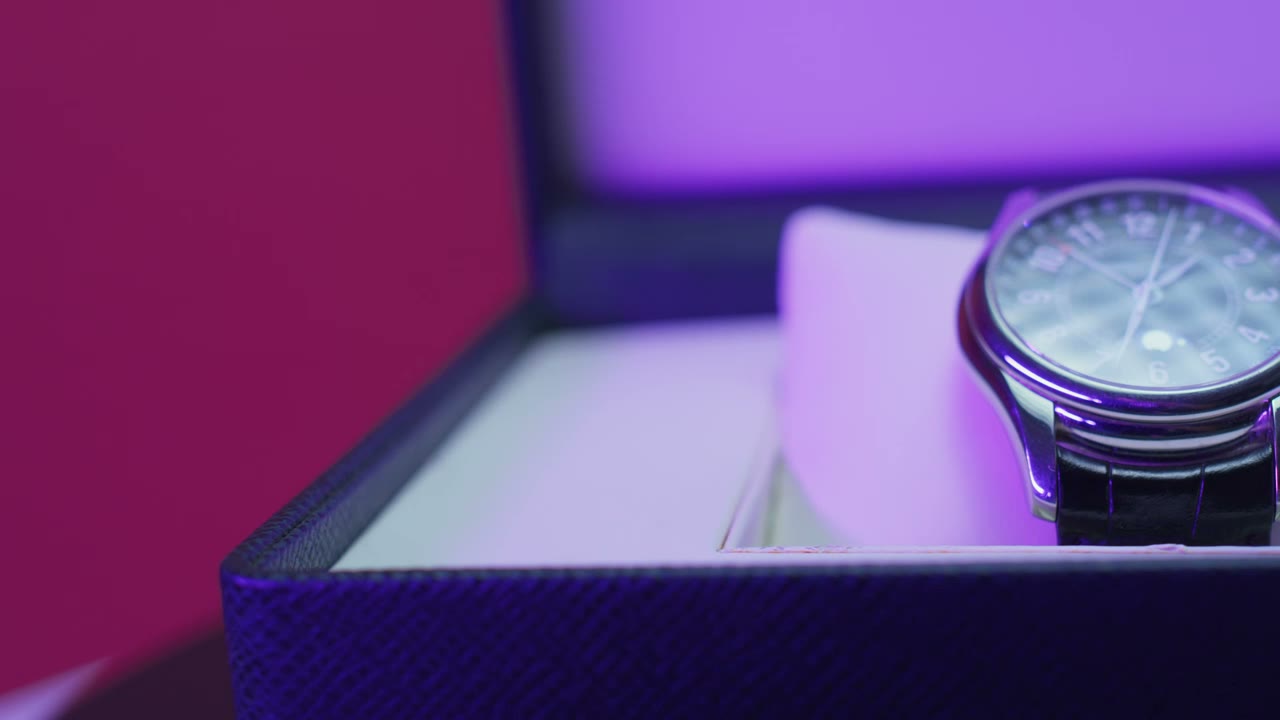
Extract subject, material, camera movement, lighting, and rhythm from product demos, then rewrite them into product shorts or ad scripts.
Good for unboxing, product demos, and brand ads. Outputs universal prompts, platform prompts, prompt anatomy, and recommended settings.
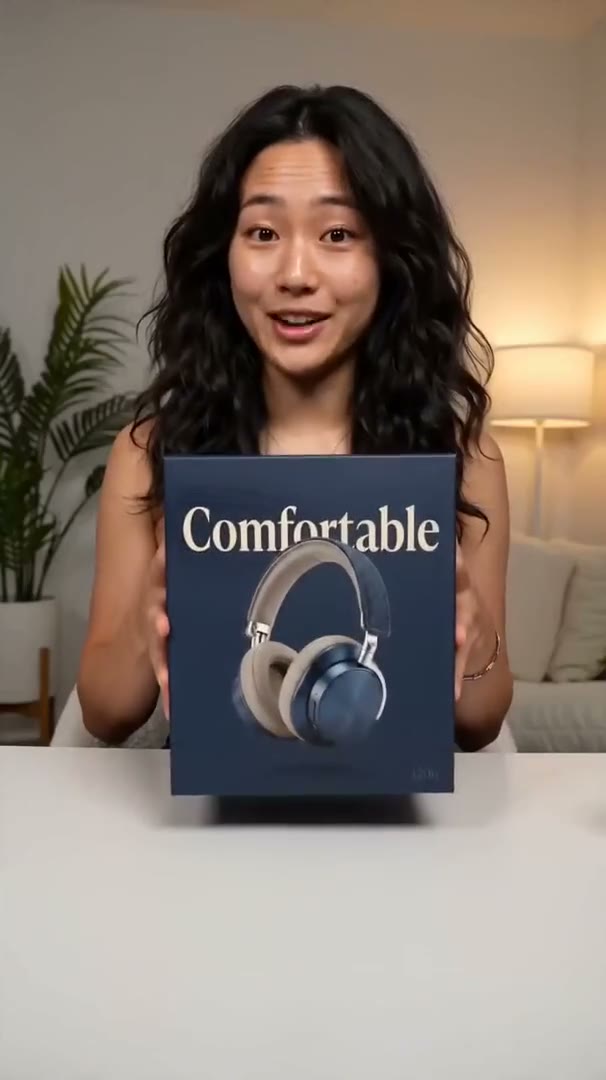
Organize people, product, setting, handheld camera language, and spoken pacing into reusable short-video generation prompts.
Good for TikTok, Reels, and creator-style references while keeping hooks, product moments, transitions, and emotional rhythm.
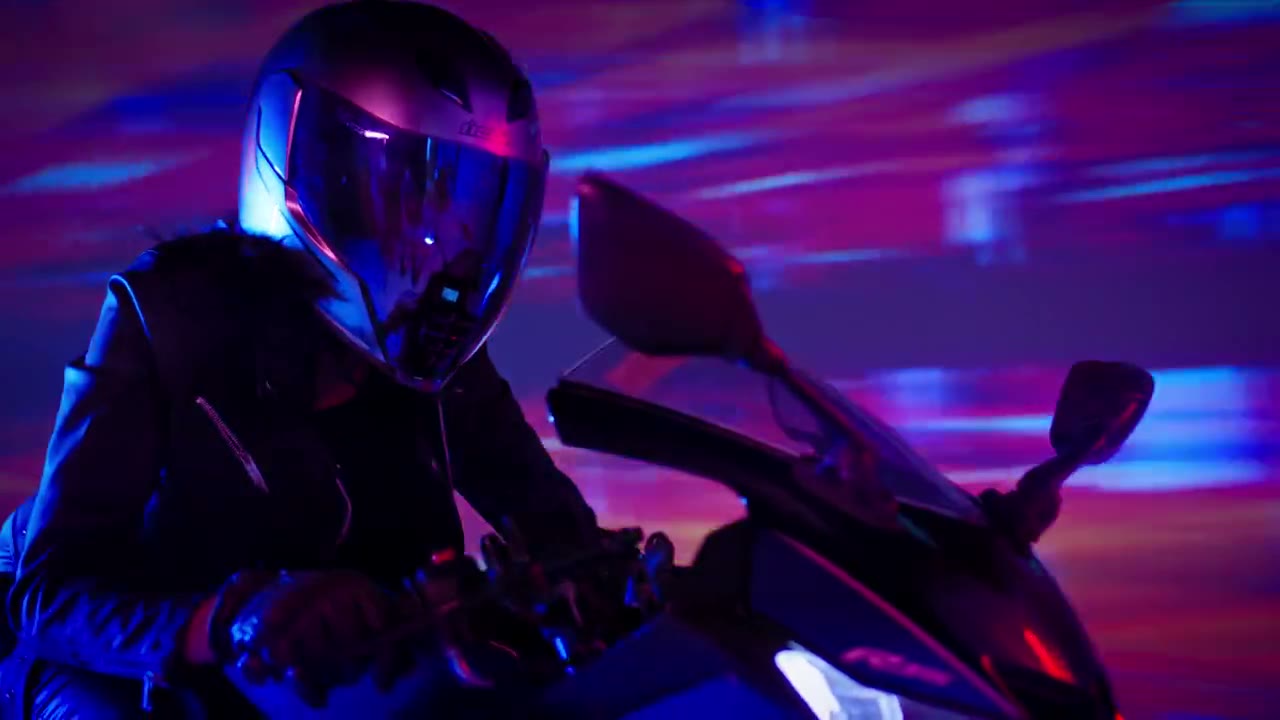
Break down visual style, movement direction, camera language, lighting mood, and rhythm so you can describe a similar visual direction.
Good for cinematic shorts, music videos, and ad videos. Use it as a starting point, then tune for Veo, Runway, Kling, and more.
Trim a 0-2 minute segment and generate summary, subject action, setting, camera, lighting, style, and pacing notes.
Good for pulling one reference moment from courses, films, interviews, or asset libraries and turning it into a searchable prompt pack.
The free version is built for searchers who need a fast video to prompt workflow: upload a clip, generate a structured prompt pack, and copy the version that fits your target model.
Choose a short reference clip. The browser uploads the video directly to storage through a signed URL.
The AI video prompt generator reads the clip and extracts subject, action, camera, lighting, style, and pacing.
Copy the universal video prompt or switch to a model-ready version for Veo, Runway, Kling, Sora, or 即梦 (Seedance).
Each video to prompt result separates source analysis from prompt text, negative prompt, and model settings so creators can reuse the output without rewriting it.
Video description and summary
Subject, action, setting, camera, lighting, style, mood, and pacing
Negative prompt and recommended settings
Platform-specific prompt versions
Long-form video to prompt analysis is a paid workflow because it must split the source into ordered shots, analyze each segment, and export a production-ready prompt package.
| Feature | Free | Advanced |
|---|---|---|
| Access | No login | Login required |
| Source length | Short clips | Long-video full breakdown |
| Output | Universal + platform prompts | Ordered shot records + exports |
| History | Current session | Saved jobs |
| Priority | Standard queue | Higher priority |
El generador está pensado para analizar videos de referencia rápidamente. Revisa límites, privacidad y calidad de salida antes de subir.
Suscríbete para recibir créditos mensuales o compra paquetes de créditos cuando necesites más.
Prompt Generator usa 1 crédito. Video to Prompt usa 2 créditos.
200 créditos incluidos
Comenzar1000 créditos incluidos
ComenzarPrompt packs are shaped around public model documentation and provider guidance.
"Veo 3.1 is a model for generating video with native audio."
Google AI for Developers
Used to align prompt packs with video generation inputs for Google Veo workflows.
"The prompt defines the creative look and feel"
OpenAI API documentation
Used to keep Sora-style prompt output focused on subjects, camera, lighting, and motion.
"example structures, keywords, and prompting tips"
Runway Help Center
Used to map breakdown fields into practical Gen-4 prompt structures.
"multi-shot video generation from both text and image"
ByteDance Seed
Used to support Seedance-style multi-shot and reference-video prompt packs.