视频提示词优化器

粘贴粗略视频提示词,把它优化成更清晰、更可测试的版本,包含场景节拍、主体动作、运镜、音频方向、视觉风格、负面提示词和可选约束,让输出更适合复制到不同模型中反复测试,减少无效试错。

提示词优化无需注册每日 10 次免费镜头与运动音频方向
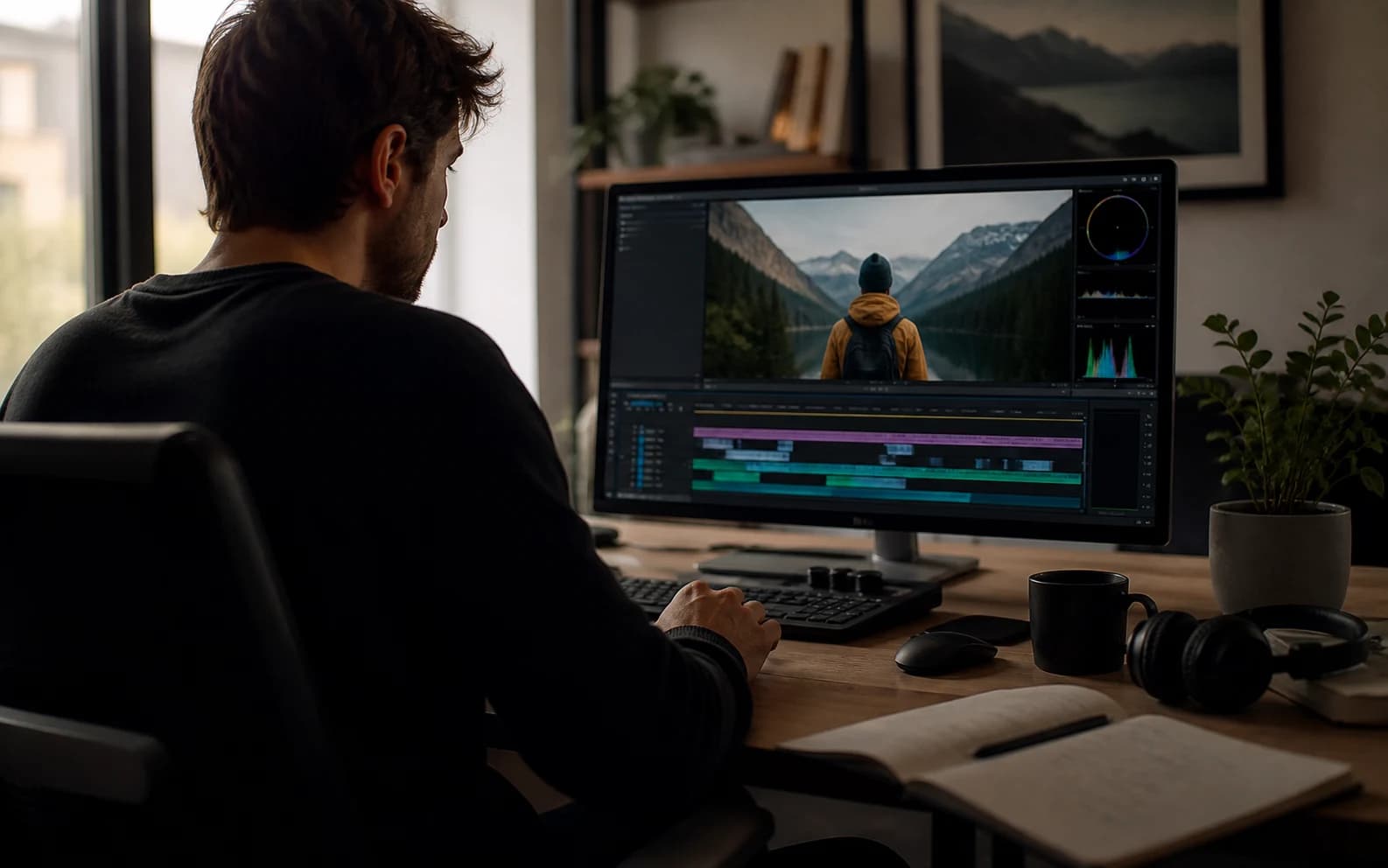
视频提示词优化器封面,展示电影感 AI 视频参考

优化视频提示词

尽量包含主体、动作、风格、镜头、音频和已知约束。0 / 1200

Only use videos, links, briefs, and brand material that you own, are authorized to analyze, or can lawfully reference. Do not use generated prompts to impersonate creators, copy protected work, or misrepresent a brand.

试试模板

你的优化版提示词

视频提示词优化示例

这些示例展示单薄想法如何被优化成更具体的视频方向。

AI 剧情片

NIGHTBORNE 科幻归来场景

模糊的科幻想法被扩展成可执行的制作提示词,包含纪录片质感、紧张气氛、档案屏幕和克制揭示。

在 YouTube 观看

优化后的提示词

Original idea: Make an AI sci-fi horror drama about a missing soldier coming back.

Enhanced prompt:
Create a long AI video prompt based on the original idea. Keep the core concept, subject, and intended outcome, but make the prompt more specific, visual, and testable. Use the reference as visual guidance without copying irrelevant details: https://www.youtube.com/watch?v=8Wbtt2JxP7g.

Scene and subject:
State the main subject, setting, time of day, visible action, emotional tone, important props, and the first thing viewers should notice.

Motion and pacing:
Describe how the action develops from opening frame to final frame. Use concrete movement, timing, cause and effect, and a clear visual payoff.

Camera direction:
Use Slow dolly push with medium close-up with stable framing, readable focus, and camera movement that supports the main action.

Lighting and style:
Use a coherent visual style with controlled light, color, contrast, texture, and atmosphere. Match the detail level to Cinematic output.

Audio direction:
Room tone with natural dialogue pauses

Constraints:
Keep the subject consistent, avoid unrelated visual additions, make the final frame clear, and leave safe composition space when captions or UI overlays may be added.

Negative prompt:
Avoid vague action, unstable subject identity, random scene changes, warped anatomy, unreadable text, logo drift, flicker, smeared motion, muddy lighting, oversaturated color, and audio that does not match the visible action.
AI 剧情片

语音留言记忆剧情

单薄的情绪提示词被优化成更具电影感的记忆片段,包含超现实转场、孤独感、旁白情绪和克制运动。

在 YouTube 观看

优化后的提示词

Original idea: Make a sad AI video about a person leaving a voicemail and remembering someone.

Enhanced prompt:
Create a long AI video prompt based on the original idea. Keep the core concept, subject, and intended outcome, but make the prompt more specific, visual, and testable. Use the reference as visual guidance without copying irrelevant details: https://www.youtube.com/watch?v=1TlY7jkyqz4.

Scene and subject:
State the main subject, setting, time of day, visible action, emotional tone, important props, and the first thing viewers should notice.

Motion and pacing:
Describe how the action develops from opening frame to final frame. Use concrete movement, timing, cause and effect, and a clear visual payoff.

Camera direction:
Use Handheld tracking with natural sway with stable framing, readable focus, and camera movement that supports the main action.

Lighting and style:
Use a coherent visual style with controlled light, color, contrast, texture, and atmosphere. Match the detail level to Cinematic output.

Audio direction:
Room tone with natural dialogue pauses

Constraints:
Keep the subject consistent, avoid unrelated visual additions, make the final frame clear, and leave safe composition space when captions or UI overlays may be added.

Negative prompt:
Avoid vague action, unstable subject identity, random scene changes, warped anatomy, unreadable text, logo drift, flicker, smeared motion, muddy lighting, oversaturated color, and audio that does not match the visible action.
品牌英雄片

Galaxy Watch 户外品牌影片

简短产品笔记被改写成精致品牌提示词,包含运动员动作、产品微距、利落光线和最终画面控制。

在 YouTube 观看

优化后的提示词

Original idea: Make a premium smartwatch ad with outdoor action and close-ups.

Enhanced prompt:
Create a medium AI video prompt based on the original idea. Keep the core concept, subject, and intended outcome, but make the prompt more specific, visual, and testable. Use the reference as visual guidance without copying irrelevant details: https://www.youtube.com/watch?v=VHxyW2zwwgU.

Scene and subject:
State the main subject, setting, time of day, visible action, emotional tone, important props, and the first thing viewers should notice.

Motion and pacing:
Describe how the action develops from opening frame to final frame. Use concrete movement, timing, cause and effect, and a clear visual payoff.

Camera direction:
Use Macro push-in with stable hero framing with stable framing, readable focus, and camera movement that supports the main action.

Lighting and style:
Use a coherent visual style with controlled light, color, contrast, texture, and atmosphere. Match the detail level to Detailed output.

Audio direction:
Subtle studio ambience and soft mechanical clicks

Constraints:
Keep the subject consistent, avoid unrelated visual additions, make the final frame clear, and leave safe composition space when captions or UI overlays may be added.

Negative prompt:
Avoid vague action, unstable subject identity, random scene changes, warped anatomy, unreadable text, logo drift, flicker, smeared motion, muddy lighting, oversaturated color, and audio that does not match the visible action.

什么是视频提示词优化器?

视频提示词优化器会把粗略想法改写成更具体的 AI 视频提示词,并补足可见的场景方向。

当提示词过于笼统,需要更清楚的主体、动作、镜头、光线、风格、音频、时长和约束时,可以使用它。

如何优化视频提示词

1

粘贴粗略提示词

从你已有的想法开始,即使它很短或还比较混乱也可以。

2

选择设置

选择工作流、画幅、时长、风格、镜头和氛围选项。

3

优化提示词

工具会在保留原始想法的基础上补全缺失细节。

4

复制或修改

直接使用优化结果,或继续微调创意 brief。

让视频提示词更强的功能

把单薄想法打磨成视觉控制更清晰、歧义更少的提示词。

提示词改写

把松散表达整理成结构化、可复制的视频提示词。

镜头与运动

补充可读的运镜、构图、节奏和主体动作。

音频方向

在有帮助时加入环境声、对白、音效和节奏说明。

前后更清晰

保留你的核心想法,同时补足制作细节。

结构化输出

支持更清晰的提示词字段,方便复用和审核。

质量约束

加入关于闪烁、主体不稳定、文字错误和画面浑浊的限制。

谁适合使用视频提示词优化器?

适合创作者、社媒团队、代理商、提示词资料库维护者和视频广告团队。

创作者

在生成前让简短提示词更具体。

社媒团队

把粗略钩子改写成更清楚的竖屏视频方向。

代理商

把松散笔记整理成可交付给客户的提示词草稿。

提示词资料库

统一提示词示例格式,便于复用和比较。

视频广告

补充产品、利益点、CTA、镜头和最终画面细节。

常见问题

关于提示词优化、模型适配、参考素材、隐私和商用的说明。

视频提示词优化器能做什么?

它会把粗略视频想法改写成更完整的提示词,补充场景、镜头、音频、风格和质量约束。

它和提示词生成器有什么区别?

生成器可以从空白想法开始;优化器用于改进你已经写好的提示词文本。

结果可以用于哪些模型?

你可以把结果用于 Sora、Veo、Gemini、Runway、Kling、Seedance 或其他 AI 视频工作流。

它会生成最终视频吗?

不会。它只生成提示词文本,最终视频需要在你使用的视频模型或工作流中生成。

可以添加参考素材吗?

可以。你可以加入公开参考 URL 或素材名称,让提示词更贴合参考方向。

它会保留我的原始想法吗?

会。优化器会保留核心想法,同时补充更清晰的场景、镜头、音频和约束。

支持 JSON 输出吗?

支持。你可以使用结构化字段,方便后续工作流读取或评审。

优化后的提示词可以商用吗?

生成文本可以复用,但最终商用仍取决于权利、声明、源素材和平台条款。