Optimiseur de prompts vidéo

Collez un prompt vidéo brut et transformez-le en version plus claire et testable, avec beats de scène, mouvement caméra, direction audio, style et contraintes optionnelles.

Amélioration de promptSans inscription10 usages gratuits par jourCaméra et mouvementDirection audio
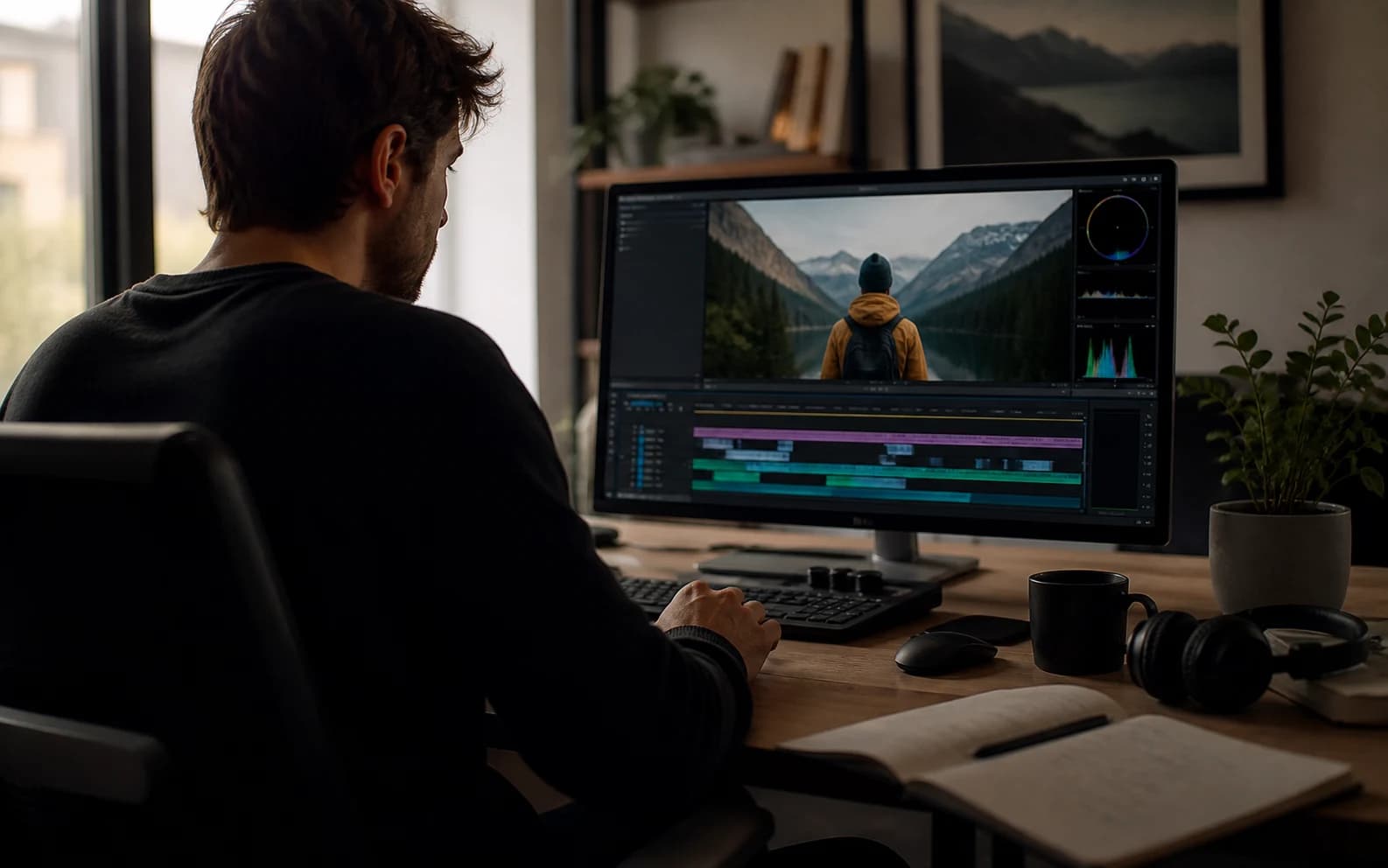
Cover de l’optimiseur de prompts vidéo avec référence vidéo IA cinématographique

Optimiser un prompt vidéo

Incluez sujet, action, style, caméra, audio et contraintes déjà connues.0 / 1200

Only use videos, links, briefs, and brand material that you own, are authorized to analyze, or can lawfully reference. Do not use generated prompts to impersonate creators, copy protected work, or misrepresent a brand.

Essayer des modeles

Votre prompt ameliore

Exemples d’optimisation de prompts vidéo

Ces exemples montrent comment des idées de prompt trop minces deviennent des directions vidéo plus précises.

Drame IA

Scène de retour sci-fi NIGHTBORNE

Une vague idée de science-fiction devient un prompt prêt pour la production, avec texture documentaire, tension, moniteurs d’archives et révélation contrôlée.

Voir sur YouTube

Prompt ameliore

Original idea: Make an AI sci-fi horror drama about a missing soldier coming back.

Enhanced prompt:
Create a long AI video prompt based on the original idea. Keep the core concept, subject, and intended outcome, but make the prompt more specific, visual, and testable. Use the reference as visual guidance without copying irrelevant details: https://www.youtube.com/watch?v=8Wbtt2JxP7g.

Scene and subject:
State the main subject, setting, time of day, visible action, emotional tone, important props, and the first thing viewers should notice.

Motion and pacing:
Describe how the action develops from opening frame to final frame. Use concrete movement, timing, cause and effect, and a clear visual payoff.

Camera direction:
Use Slow dolly push with medium close-up with stable framing, readable focus, and camera movement that supports the main action.

Lighting and style:
Use a coherent visual style with controlled light, color, contrast, texture, and atmosphere. Match the detail level to Cinematic output.

Audio direction:
Room tone with natural dialogue pauses

Constraints:
Keep the subject consistent, avoid unrelated visual additions, make the final frame clear, and leave safe composition space when captions or UI overlays may be added.

Negative prompt:
Avoid vague action, unstable subject identity, random scene changes, warped anatomy, unreadable text, logo drift, flicker, smeared motion, muddy lighting, oversaturated color, and audio that does not match the visible action.
Drame IA

Drame de mémoire par message vocal

Un prompt émotionnel trop mince devient une scène de mémoire plus cinématographique, avec transitions surréalistes, isolement, tonalité voix off et mouvement retenu.

Voir sur YouTube

Prompt ameliore

Original idea: Make a sad AI video about a person leaving a voicemail and remembering someone.

Enhanced prompt:
Create a long AI video prompt based on the original idea. Keep the core concept, subject, and intended outcome, but make the prompt more specific, visual, and testable. Use the reference as visual guidance without copying irrelevant details: https://www.youtube.com/watch?v=1TlY7jkyqz4.

Scene and subject:
State the main subject, setting, time of day, visible action, emotional tone, important props, and the first thing viewers should notice.

Motion and pacing:
Describe how the action develops from opening frame to final frame. Use concrete movement, timing, cause and effect, and a clear visual payoff.

Camera direction:
Use Handheld tracking with natural sway with stable framing, readable focus, and camera movement that supports the main action.

Lighting and style:
Use a coherent visual style with controlled light, color, contrast, texture, and atmosphere. Match the detail level to Cinematic output.

Audio direction:
Room tone with natural dialogue pauses

Constraints:
Keep the subject consistent, avoid unrelated visual additions, make the final frame clear, and leave safe composition space when captions or UI overlays may be added.

Negative prompt:
Avoid vague action, unstable subject identity, random scene changes, warped anatomy, unreadable text, logo drift, flicker, smeared motion, muddy lighting, oversaturated color, and audio that does not match the visible action.
Hero de marque

Film outdoor de marque Galaxy Watch

Une courte note produit devient un prompt de marque poli avec action athlète, détails macro, lumière nette et contrôle du plan final.

Voir sur YouTube

Prompt ameliore

Original idea: Make a premium smartwatch ad with outdoor action and close-ups.

Enhanced prompt:
Create a medium AI video prompt based on the original idea. Keep the core concept, subject, and intended outcome, but make the prompt more specific, visual, and testable. Use the reference as visual guidance without copying irrelevant details: https://www.youtube.com/watch?v=VHxyW2zwwgU.

Scene and subject:
State the main subject, setting, time of day, visible action, emotional tone, important props, and the first thing viewers should notice.

Motion and pacing:
Describe how the action develops from opening frame to final frame. Use concrete movement, timing, cause and effect, and a clear visual payoff.

Camera direction:
Use Macro push-in with stable hero framing with stable framing, readable focus, and camera movement that supports the main action.

Lighting and style:
Use a coherent visual style with controlled light, color, contrast, texture, and atmosphere. Match the detail level to Detailed output.

Audio direction:
Subtle studio ambience and soft mechanical clicks

Constraints:
Keep the subject consistent, avoid unrelated visual additions, make the final frame clear, and leave safe composition space when captions or UI overlays may be added.

Negative prompt:
Avoid vague action, unstable subject identity, random scene changes, warped anatomy, unreadable text, logo drift, flicker, smeared motion, muddy lighting, oversaturated color, and audio that does not match the visible action.

Qu’est-ce qu’un optimiseur de prompts vidéo ?

Il réécrit une idée brute en prompt vidéo IA plus spécifique, avec direction de scène visible.

Utilisez-le lorsqu’un prompt est trop vague et nécessite sujet, action, caméra, lumière, style, audio, durée et contraintes plus clairs.

Comment optimiser un prompt vidéo

1

Collez un prompt brut

Commencez avec votre idée actuelle, même courte ou désordonnée.

2

Choisissez les réglages

Sélectionnez workflow, ratio, durée, style, caméra et ambiance.

3

Optimisez le prompt

L’outil développe les détails manquants tout en préservant l’idée initiale.

4

Copiez ou révisez

Utilisez le résultat directement ou continuez à affiner le brief.

Fonctions pour des prompts vidéo plus solides

Affinez des idées minces en prompts avec contrôle visuel clair et moins d’ambiguïté.

Réécriture du prompt

Transforme une formulation lâche en prompt vidéo structuré et prêt à copier.

Caméra et mouvement

Ajoute mouvement caméra, cadrage, rythme et action sujet lisibles.

Direction audio

Inclut ambiance, dialogue, effets et rythme lorsque c’est utile.

Clarté avant/après

Préserve votre idée tout en ajoutant les détails de production manquants.

Sortie structurée

Prend en charge des champs de prompt plus propres pour workflows répétables et reviews.

Contraintes qualité

Ajoute des limites contre scintillement, sujets instables, mauvais texte et visuels boueux.

Qui utilise un optimiseur de prompts vidéo ?

Pour créateurs, équipes social media, agences, bibliothèques de prompts et équipes vidéo ads.

Créateurs

Rendez des prompts courts plus précis avant de générer.

Équipes social media

Transformez des hooks bruts en directions de vidéos verticales plus claires.

Agences

Préparez des brouillons prêts pour client depuis des notes éparses.

Bibliothèques de prompts

Normalisez les exemples de prompts pour les réutiliser et les comparer.

Publicités vidéo

Ajoutez produit, bénéfice, CTA, caméra et détails du plan final.

Questions fréquentes

Réponses sur optimisation, modèles, médias de référence, confidentialité et usage commercial.

Que fait l’optimiseur de prompts vidéo ?

Il transforme une idée vidéo brute en prompt plus complet avec scène, caméra, audio, style et contraintes qualité.

En quoi est-il différent d’un générateur ?

Un générateur peut partir d’une idée vide ; un optimiseur améliore un texte de prompt que vous avez déjà.

Quels modèles peuvent utiliser le résultat ?

Vous pouvez l’adapter à Sora, Veo, Gemini, Runway, Kling, Seedance ou autres workflows vidéo IA.

Crée-t-il la vidéo finale ?

Non. Il crée uniquement du texte de prompt. La génération finale se fait dans le modèle ou workflow que vous utilisez.

Puis-je ajouter un média de référence ?

Oui. Vous pouvez ajouter une URL publique ou un nom de média pour mieux orienter le prompt.

L’idée originale est-elle conservée ?

Oui. L’optimiseur garde le noyau de l’idée et ajoute des détails de scène, caméra, audio et contraintes plus clairs.

La sortie JSON est-elle prise en charge ?

Oui. Les champs structurés facilitent review, archivage et workflows automatisés.

Puis-je utiliser les prompts optimisés commercialement ?

Vous pouvez réutiliser le texte généré, mais l’usage commercial final dépend des droits, claims, sources et conditions de plateforme.