Générateur de prompts Veo 3

Transformez une idée, une note de scène ou un prompt brut en prompt Veo 3 structuré avec mouvement caméra, action, style, audio, durée et sortie JSON optionnelle.

Builder Veo 3Sans inscription10 usages gratuits par jourDécoupage de plans
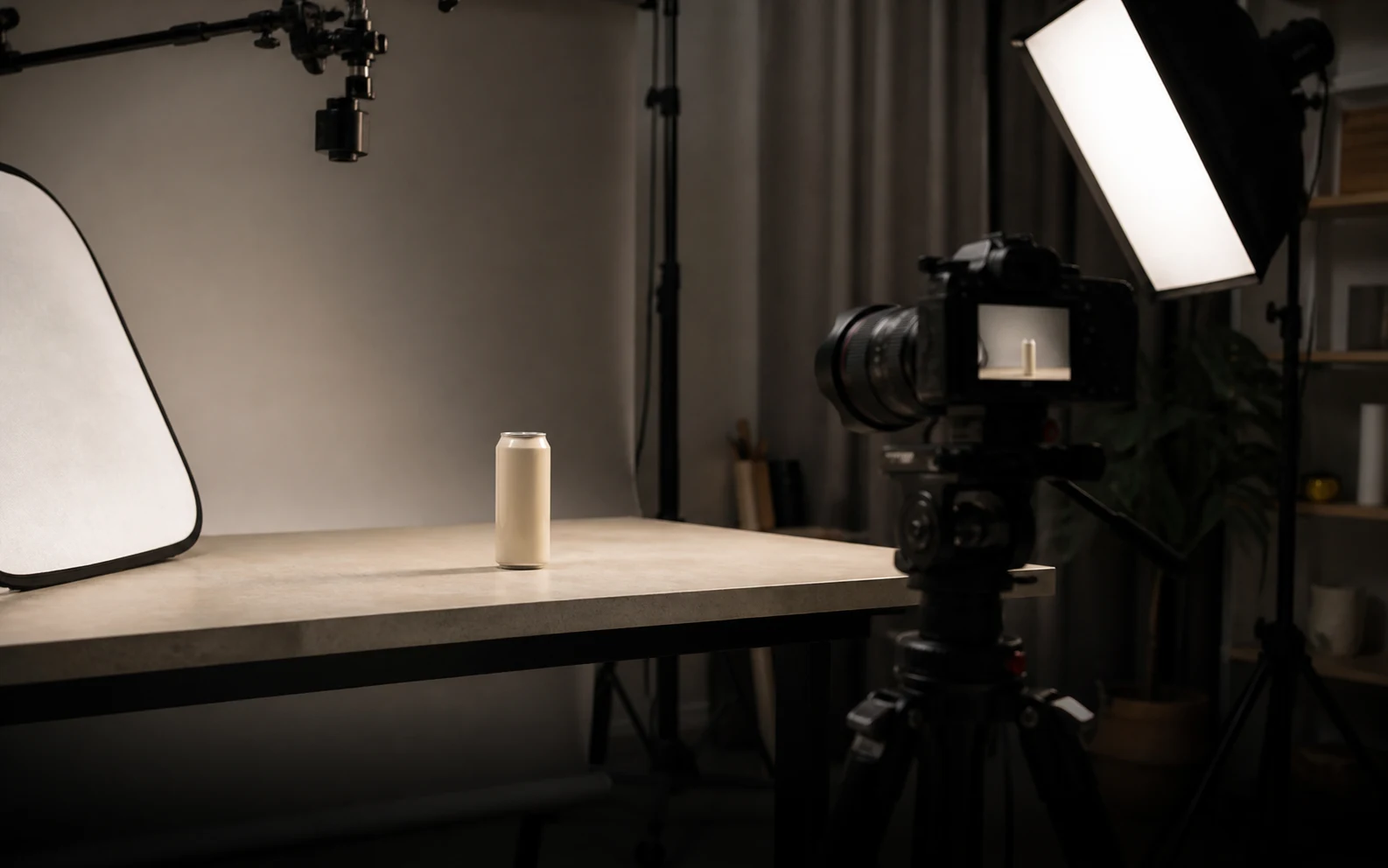
Cover de tournage produit réaliste pour le générateur de prompts Veo 3

Créer un prompt Veo 3

Incluez sujet, action, style, caméra, audio et contraintes déjà connues.155 / 1200

Only use videos, links, briefs, and brand material that you own, are authorized to analyze, or can lawfully reference. Do not use generated prompts to impersonate creators, copy protected work, or misrepresent a brand.

Essayer un exemple Veo 3

Prompt Veo 3 généré

Exemples et résultats de prompts Veo 3

Ces exemples montrent ce que le générateur peut produire avant que vous saisissiez votre propre idée. Ce sont des exemples publics, pas des sorties privées d’utilisateurs.

Hero de marque

Référence lancement produit AirPods Pro 3

Une référence de lancement produit polie devient un prompt Veo 3 avec détail produit net, énergie lifestyle rapide, cadrage de marque propre et moment hero final.

Voir sur YouTube

Prompt Veo 3 généré

Veo 3 video prompt

Create an 8-second video prompt for Veo 3 based on this creative brief: 8-second brand hero film for AirPods Pro 3, with sleek white product close-ups, active lifestyle movement, clean Apple-style staging, premium highlights, synchronized sound cues, and a stable final product reveal.

Settings:
Aspect ratio: 16:9
Duration: 8 seconds
Scene focus: Single continuous scene with one clear subject-action arc.
Reference URL: https://www.youtube.com/watch?v=sjiU1kWgpJ8

Core prompt elements:
Subject: Infer the main subject from the creative brief and keep the same identity, product, place, or character consistent across the clip.
Action: Infer one clear action or transformation from the creative brief and build every beat around that action.
Style: Product commercial
Camera positioning and motion: Eye-level camera positioning with Tracking shot camera movement.
Composition: Product hero frame
Focus and lens effects: Macro lens
Ambiance: Bright studio

Creative direction:
Expand missing details only when they support the creative brief. Keep the scene focused, preserve clear motion continuity, and make every frame readable on mobile and desktop.

Shot 1:
Open inside the single scene with a strong frame that introduces the subject, setting, lighting, and immediate viewer hook.

Shot 2:
Move into the key action. Emphasize texture, gesture, pace, and the main visual transformation described or implied by the brief.

Shot 3:
End with a clean hero moment, clear composition, stable focus, and enough caption room or call-to-action space if useful.

Audio:
Dialogue: Add spoken lines only when the brief explicitly asks for dialogue; otherwise rely on visual performance and nonverbal audio cues.
SFX: Specify close, scene-specific sound effects such as product handling, footsteps, cloth movement, transitions, or interface sounds.
Ambient noise: Specify the environmental bed, room tone, crowd texture, weather, street sound, or natural background noise.

Unwanted elements:
warped hands, distorted faces, unreadable text, flicker, jump cuts, extra limbs, unstable logos, muddy lighting, over-sharpening, inconsistent product details
UGC

Référence de publicité UGC performante

Une publicité portée par un créateur devient un prompt vertical Veo 3 avec hook rapide, caméra handheld, preuve produit, ton naturel et composition compatible sous-titres.

Voir sur YouTube

Prompt Veo 3 généré

Veo 3 video prompt

Create an 8-second video prompt for Veo 3 based on this creative brief: 8-second vertical UGC product ad with a creator speaking directly to camera, fast first-line hook, casual handheld phone framing, quick product close-up, authentic reaction, natural room tone, and a simple final callout.

Settings:
Aspect ratio: 9:16
Duration: 8 seconds
Scene focus: Single continuous scene with one clear subject-action arc.
Reference URL: https://www.youtube.com/watch?v=uZAzQbJnN68

Core prompt elements:
Subject: Infer the main subject from the creative brief and keep the same identity, product, place, or character consistent across the clip.
Action: Infer one clear action or transformation from the creative brief and build every beat around that action.
Style: UGC handheld
Camera positioning and motion: Eye-level camera positioning with Handheld camera movement.
Composition: Single subject
Focus and lens effects: Shallow focus
Ambiance: Warm natural light

Creative direction:
Expand missing details only when they support the creative brief. Keep the scene focused, preserve clear motion continuity, and make every frame readable on mobile and desktop.

Shot 1:
Open inside the single scene with a strong frame that introduces the subject, setting, lighting, and immediate viewer hook.

Shot 2:
Move into the key action. Emphasize texture, gesture, pace, and the main visual transformation described or implied by the brief.

Shot 3:
End with a clean hero moment, clear composition, stable focus, and enough caption room or call-to-action space if useful.

Audio:
Dialogue: Add spoken lines only when the brief explicitly asks for dialogue; otherwise rely on visual performance and nonverbal audio cues.
SFX: Specify close, scene-specific sound effects such as product handling, footsteps, cloth movement, transitions, or interface sounds.
Ambient noise: Specify the environmental bed, room tone, crowd texture, weather, street sound, or natural background noise.

Unwanted elements:
warped hands, distorted faces, unreadable text, flicker, jump cuts, extra limbs, unstable logos, muddy lighting, over-sharpening, inconsistent product details
Animation 3D

Référence animation 3D Big Buck Bunny

Une référence de court animé 3D devient un prompt Veo 3 avec mouvement expressif des personnages, forêt lisible, lumière stylisée vive et beats d’action ludiques.

Voir sur YouTube

Prompt Veo 3 généré

Veo 3 video prompt

Create an 8-second video prompt for Veo 3 based on this creative brief: 8-second 3D animated forest scene inspired by Big Buck Bunny, with a gentle oversized rabbit, colorful woodland setting, expressive character timing, playful physical comedy, bright daylight, and a clean animated final pose.

Settings:
Aspect ratio: 16:9
Duration: 8 seconds
Scene focus: Single continuous scene with one clear subject-action arc.
Reference URL: https://www.youtube.com/watch?v=aqz-KE-bpKQ

Core prompt elements:
Subject: Infer the main subject from the creative brief and keep the same identity, product, place, or character consistent across the clip.
Action: Infer one clear action or transformation from the creative brief and build every beat around that action.
Style: Animated
Camera positioning and motion: Eye-level camera positioning with Slow push-in camera movement.
Composition: Wide shot
Focus and lens effects: Deep focus
Ambiance: Golden hour

Creative direction:
Expand missing details only when they support the creative brief. Keep the scene focused, preserve clear motion continuity, and make every frame readable on mobile and desktop.

Shot 1:
Open inside the single scene with a strong frame that introduces the subject, setting, lighting, and immediate viewer hook.

Shot 2:
Move into the key action. Emphasize texture, gesture, pace, and the main visual transformation described or implied by the brief.

Shot 3:
End with a clean hero moment, clear composition, stable focus, and enough caption room or call-to-action space if useful.

Audio:
Dialogue: Add spoken lines only when the brief explicitly asks for dialogue; otherwise rely on visual performance and nonverbal audio cues.
SFX: Specify close, scene-specific sound effects such as product handling, footsteps, cloth movement, transitions, or interface sounds.
Ambient noise: Specify the environmental bed, room tone, crowd texture, weather, street sound, or natural background noise.

Unwanted elements:
warped hands, distorted faces, unreadable text, flicker, jump cuts, extra limbs, unstable logos, muddy lighting, over-sharpening, inconsistent product details
Drame IA

Référence drame IA The Butterfly

Une référence de récit IA devient un prompt dramatique Veo 3 avec motif symbolique de papillon, gros plans émotionnels, atmosphère sombre, rythme cinématographique et dialogues retenus.

Voir sur YouTube

Prompt Veo 3 généré

Veo 3 video prompt

Create an 8-second video prompt for Veo 3 based on this creative brief: 8-second cinematic AI drama scene with a lone character encountering a glowing butterfly, emotional close-up, slow reveal, soft atmospheric particles, restrained dialogue or breath, and a poetic final frame.

Settings:
Aspect ratio: 16:9
Duration: 8 seconds
Scene focus: Single continuous scene with one clear subject-action arc.
Reference URL: https://www.youtube.com/watch?v=Afs16GbFgfw

Core prompt elements:
Subject: Infer the main subject from the creative brief and keep the same identity, product, place, or character consistent across the clip.
Action: Infer one clear action or transformation from the creative brief and build every beat around that action.
Style: Cinematic realistic
Camera positioning and motion: Eye-level camera positioning with Dolly shot camera movement.
Composition: Close-up
Focus and lens effects: Shallow focus
Ambiance: Moody cinematic

Creative direction:
Expand missing details only when they support the creative brief. Keep the scene focused, preserve clear motion continuity, and make every frame readable on mobile and desktop.

Shot 1:
Open inside the single scene with a strong frame that introduces the subject, setting, lighting, and immediate viewer hook.

Shot 2:
Move into the key action. Emphasize texture, gesture, pace, and the main visual transformation described or implied by the brief.

Shot 3:
End with a clean hero moment, clear composition, stable focus, and enough caption room or call-to-action space if useful.

Audio:
Dialogue: Add spoken lines only when the brief explicitly asks for dialogue; otherwise rely on visual performance and nonverbal audio cues.
SFX: Specify close, scene-specific sound effects such as product handling, footsteps, cloth movement, transitions, or interface sounds.
Ambient noise: Specify the environmental bed, room tone, crowd texture, weather, street sound, or natural background noise.

Unwanted elements:
warped hands, distorted faces, unreadable text, flicker, jump cuts, extra limbs, unstable logos, muddy lighting, over-sharpening, inconsistent product details

Qu’est-ce qu’un générateur de prompts Veo 3 ?

Il transforme une idée vidéo brute en texte de prompt structuré, plus facile à tester, copier et affiner.

Utilisez-le comme builder de prompts Veo 3, générateur de prompts vidéo pour Veo 3 ou générateur de prompts JSON Veo3. Il crée uniquement du texte de prompt.

Comment utiliser le générateur de prompts Veo 3

1

Décrivez la vidéo

Collez votre idée, un prompt Veo brut, des notes de scène ou une URL de référence publique.

2

Choisissez les réglages Veo

Sélectionnez ratio, durée, format de sortie, style visuel, mouvement caméra, direction audio et guardrails.

3

Générez le prompt

Le builder organise le brief en direction de scène, notes caméra, indications audio, beats de plan et champs prêts pour JSON.

4

Copiez, téléchargez ou affinez

Copiez le prompt, téléchargez TXT ou JSON, ajustez le brief ou continuez à affiner.

Fonctions pour des prompts Veo 3 plus solides

Le générateur garde la sortie centrée sur le contrôle vidéo : scène, mouvement, caméra, lumière, audio, durée, format et contraintes qualité.

Structure de scène

Transforme une idée vague en plan d’ouverture, action principale, plan final et règles de continuité.

Direction caméra

Ajoute angle, mouvement, taille de plan, focale et langage de shot clair.

Guidage audio

Décrit ambiance, dialogue, musique, effets et timing lorsque c’est pertinent.

Sortie JSON

Structure les prompts pour reviews, automatisation et tests répétables.

Contraintes qualité

Aide à éviter scintillement, sujets déformés, texte illisible et coupes instables.

Affinage rapide

Changez les réglages, copiez les résultats et itérez sur le brief.

Qui utilise un générateur de prompts Veo 3 ?

Pour créateurs, marketing, cinéastes, agences et prompt engineers qui ont besoin d’instructions vidéo plus claires.

Créateurs

Transformez des idées en prompts vidéo clairs et testables.

Marketing

Traduisez bénéfices produit et angles de campagne en direction vidéo.

Cinéastes

Esquissez scène, caméra, mouvement et audio avant génération.

Agences

Préparez des prompts cohérents pour tests clients et variantes.

Prompt engineers

Normalisez des prompts Veo 3 pour expériences structurées.

Formats de sortie Veo 3

Choisissez le format le plus adapté à une review, un test modèle ou une automatisation.

FormatBest forOutput
Prompt standardCopie rapide dans un modèle vidéoUn prompt clair en texte continu.
Prompt JSONWorkflows automatisés et reviewChamps structurés pour scène, caméra, audio et guardrails.
Découpage de plansSéquences en plusieurs partiesPlan court avec beats, durée et mouvement caméra.

Questions fréquentes

Réponses sur prompts Veo 3, JSON, références, coût et usage commercial.

Que fait le générateur Veo 3 ?

Il transforme une idée brute en prompt structuré avec scène, caméra, mouvement, audio, durée et champs JSON optionnels.

Peut-il générer un prompt JSON ?

Oui. Utilisez les options structurées pour obtenir des champs scène, plans, caméra, audio, style et guardrails.

Génère-t-il la vidéo finale ?

Non. Il crée uniquement du texte de prompt. La génération finale se fait dans votre workflow Veo.

Quelle durée choisir ?

Choisissez 4 secondes pour un beat, 6 pour une action courte et 8 pour plusieurs beats visuels clairs.

Puis-je ajouter une URL de référence ?

Oui. Une URL publique peut aider à orienter tonalité, style ou structure du prompt.

Est-ce gratuit ?

La page propose un quota gratuit quotidien et affiche les usages restants lorsqu’ils s’appliquent.

Pourquoi mon prompt semble-t-il générique ?

Ajoutez des détails plus concrets sur sujet, action, décor, caméra, lumière, audio et plan final.

Puis-je utiliser le prompt commercialement ?

Vous pouvez réutiliser le texte généré, mais vérifiez droits des références, marques, personnes, claims et conditions de plateforme.