Scene Prompt Generator

Build a clear scene prompt from a rough idea, location, character, product, or video concept, with subject, setting, action, camera, lighting, mood, style, and constraints.

Scene prompt builderNo sign-up5 free uses dailyVideo scene promptsCamera and lightingPrivate by default
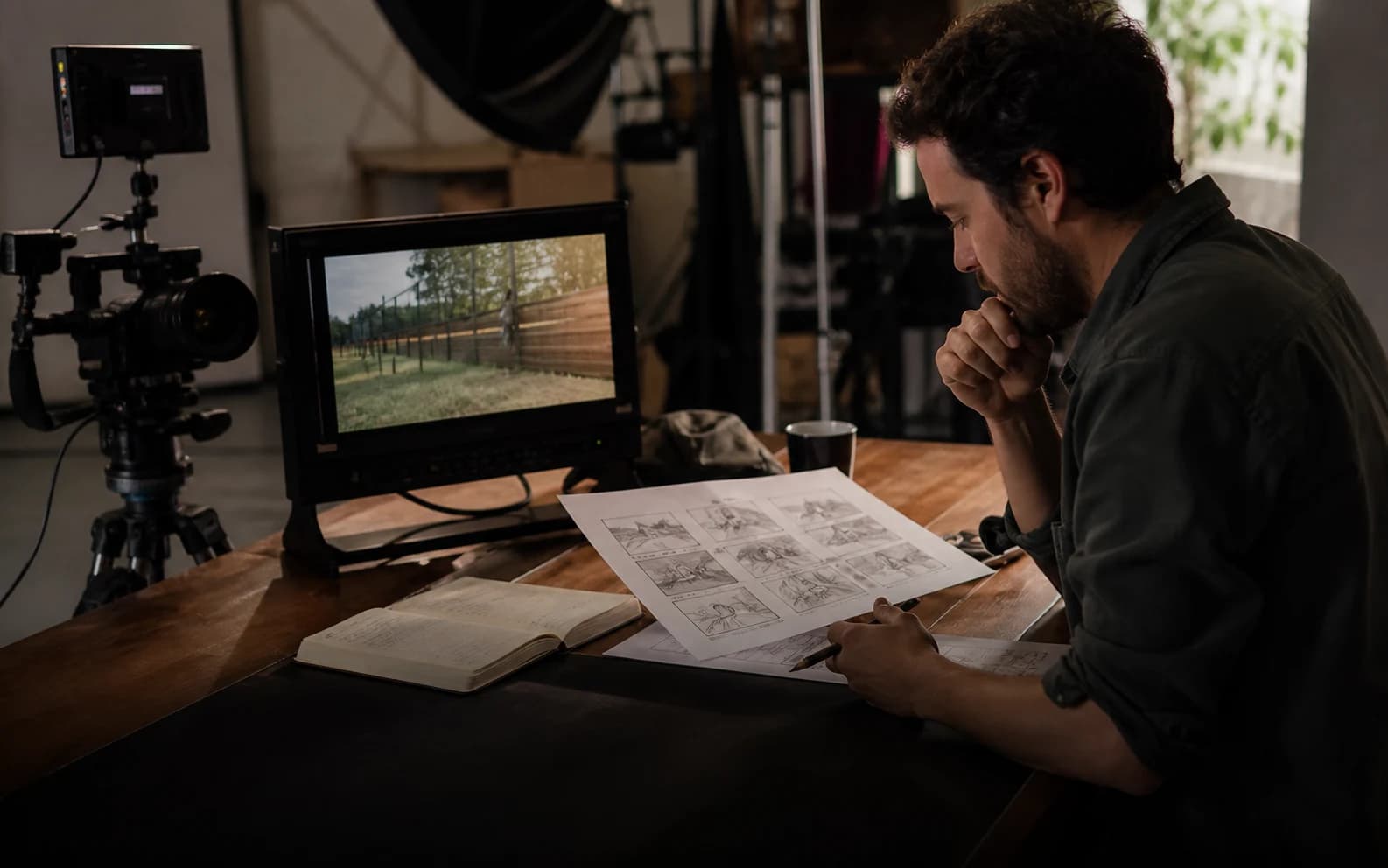
Reference frame preview for the scene prompt generator

Generate a scene prompt

Include subject, environment, action, camera, light, and mood.0 / 1200

Only use videos, links, briefs, and brand material that you own, are authorized to analyze, or can lawfully reference. Do not use generated prompts to impersonate creators, copy protected work, or misrepresent a brand.

Try a scene prompt example

Your scene prompt

Scene prompt examples and results

These examples show what the generator can produce before you write your own scene idea. They are public samples, not private user prompts.

3D Animation

CHARGE dystopian action scene

Stylized 3D action animation with dystopian production design, bold silhouettes, kinetic motion, and an explosive final beat.

Watch on YouTube

Original scene idea

A stylized 3D animated action scene in an energy-scarce dystopia: an old scavenger breaks into a guarded power site, heavy machinery wakes, sparks cut through dusty air, and the sequence builds to a bold explosive final beat.

Generated scene prompt

Create a short video scene from this idea: A stylized 3D animated action scene in an energy-scarce dystopia: an old scavenger breaks into a guarded power site, heavy machinery wakes, sparks cut through dusty air, and the sequence builds to a bold explosive final beat.

Opening frame:
Establish the subject, location, time of day, light source, and mood in one clear frame.

Scene action:
Describe the visible motion, subject behavior, environmental movement, and cause-and-effect progression.

Camera movement:
Use Low-angle shot and controlled motion that helps the viewer follow the main action.

Lighting and atmosphere:
Keep cinematic dark consistent. Use color, contrast, particles, reflections, or shadows only when they reinforce the tense mood.

Final frame:
End with a stable composition that makes the subject, emotion, or visual payoff unmistakable.

Negative prompt:
Avoid sudden scene jumps, unstable subject identity, floating objects, mismatched shadows, jitter, flicker, unreadable text, smeared motion, and camera movement that does not support the action.
Creative Ad

Epic Split precision stunt commercial

Minimal stunt-driven commercial with sunrise symmetry, slow reverse motion, restrained voiceover, and a precise brand payoff.

Watch on YouTube

Original scene idea

A creative commercial scene built around one impossible-looking live stunt: two trucks reverse in perfect formation at sunrise while a performer holds a controlled split between them, the camera glides sideways, and the final frame cleanly proves product precision.

Generated scene prompt

Create a short video scene from this idea: A creative commercial scene built around one impossible-looking live stunt: two trucks reverse in perfect formation at sunrise while a performer holds a controlled split between them, the camera glides sideways, and the final frame cleanly proves product precision.

Opening frame:
Establish the subject, location, time of day, light source, and mood in one clear frame.

Scene action:
Describe the visible motion, subject behavior, environmental movement, and cause-and-effect progression.

Camera movement:
Use Eye-level shot and controlled motion that helps the viewer follow the main action.

Lighting and atmosphere:
Keep bright outdoor light consistent. Use color, contrast, particles, reflections, or shadows only when they reinforce the calm mood.

Final frame:
End with a stable composition that makes the subject, emotion, or visual payoff unmistakable.

Negative prompt:
Avoid sudden scene jumps, unstable subject identity, floating objects, mismatched shadows, jitter, flicker, unreadable text, smeared motion, and camera movement that does not support the action.
AI Drama

Oneiric sci-fi memory scene

AI sci-fi drama with liminal interiors, intimate character tension, surreal memory imagery, and polished cinematic pacing.

Watch on YouTube

Original scene idea

An AI sci-fi drama scene set inside a dreamlike research environment: a solitary character moves through liminal corridors and fractured memory images, soft light isolates their expression, and the scene ends on a quiet emotional reveal.

Generated scene prompt

Create a short video scene from this idea: An AI sci-fi drama scene set inside a dreamlike research environment: a solitary character moves through liminal corridors and fractured memory images, soft light isolates their expression, and the scene ends on a quiet emotional reveal.

Opening frame:
Establish the subject, location, time of day, light source, and mood in one clear frame.

Scene action:
Describe the visible motion, subject behavior, environmental movement, and cause-and-effect progression.

Camera movement:
Use Eye-level shot and controlled motion that helps the viewer follow the main action.

Lighting and atmosphere:
Keep cool moonlight consistent. Use color, contrast, particles, reflections, or shadows only when they reinforce the mysterious mood.

Final frame:
End with a stable composition that makes the subject, emotion, or visual payoff unmistakable.

Negative prompt:
Avoid sudden scene jumps, unstable subject identity, floating objects, mismatched shadows, jitter, flicker, unreadable text, smeared motion, and camera movement that does not support the action.

What is a scene prompt generator?

A scene prompt generator turns a rough visual idea into structured prompt text. It describes what appears in the scene, where it happens, what the subject is doing, how the camera frames it, and how lighting, mood, and style shape the final result.

Use it for AI video, image generation, concept art, storyboards, product visuals, or prompt libraries. The page creates prompt text only; final media generation happens inside the image, video, or storyboard workflow you choose.

How to use the scene prompt generator

1

Describe the scene

Enter the subject, setting, action, mood, camera angle, lighting, and any reference details that must appear.

2

Choose settings

Select an aspect ratio, then open advanced options when you need camera angle, lighting, mood, visual style, or a reference URL.

3

Generate the prompt

The tool structures the idea into subject, environment, action, composition, lighting, mood, and constraints.

4

Copy or refine

Copy the prompt, try a scene example, or keep editing the original idea.

Features for stronger scene prompts

The generator keeps the output focused on visual clarity: subject, setting, action, composition, lighting, mood, style, and constraints.

Scene structure

Organizes subject, environment, action, foreground, background, and visual hierarchy.

Camera direction

Adds shot type, angle, lens feel, composition, focus, and motion guidance when the scene is for video.

Lighting and mood

Clarifies light source, contrast, color temperature, shadow quality, atmosphere, and emotion.

Style control

Keeps the generated prompt aligned with the selected visual style and intended scene direction.

Quality guardrails

Adds optional negative prompt notes for clutter, anatomy errors, unreadable text, style drift, and lighting mismatch.

Who uses a scene prompt generator?

Use it whenever a rough visual idea needs to become a prompt with enough scene detail for creative testing.

AI video creators

Create video scene prompts with motion, camera movement, lighting, and final-frame guidance.

Image generation

Turn a rough visual idea into a stable prompt for product images, concept art, thumbnails, and moodboards.

Storyboards

Draft scene prompts that help teams align on environment, subject placement, composition, and atmosphere.

Marketing teams

Convert campaign angles, product moments, and brand mood into prompt-ready visual scenes.

Prompt libraries

Create consistent standard prompts and video scene prompt templates.

Frequently asked questions

Practical answers about scene prompts, video scene prompts, privacy, and result quality.

What does the scene prompt generator do?

It turns a rough scene idea into a structured prompt with subject, setting, action, camera, lighting, mood, style, and negative prompt notes.

Can I generate a video scene prompt?

Yes. Choose the video scene format to include opening frame, motion, camera movement, atmosphere, final frame, and continuity guardrails.

Does this tool create the final image or video?

No. It creates prompt text. Use the generated prompt inside your preferred AI video, image, or storyboard workflow.

Can I upload a reference image or video?

You can attach a reference file name or paste a public reference URL as context. For deeper private video breakdowns, use Video to Prompt.

What should I include in my scene idea?

Include the subject, location, action, mood, camera angle, lighting, style, and any details that must appear in the final scene.

Is my generated scene prompt private?

Private prompts and source references stay private unless you explicitly choose to share them.

Can I use the generated prompt commercially?

You can use the generated text, but you are responsible for rights to source materials, brand assets, likenesses, and final generated content.