Gemini Video Prompt Generator

Turn a brief or reference note into a Gemini-ready video prompt with scene structure, subject action, camera movement, audio cues, reusable model settings, and style constraints.

Scene breakdownNo sign-up5 free uses dailyMulti-shot promptsCamera and audio
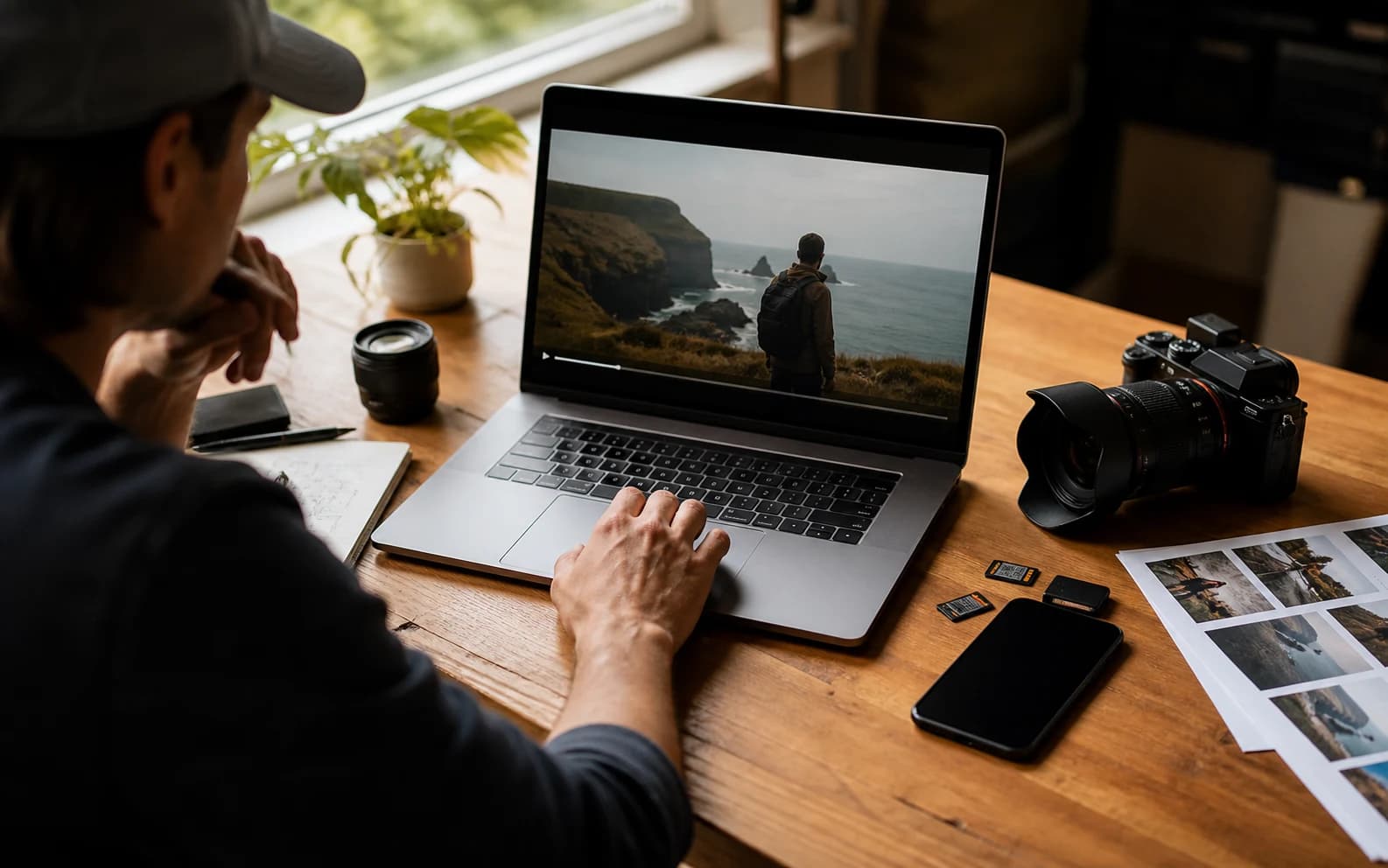
Gemini video prompt generator realistic hero cover

Build a Gemini video prompt

Include subject, action, camera, style, audio, and constraints.140 / 1000

Only use videos, links, briefs, and brand material that you own, are authorized to analyze, or can lawfully reference. Do not use generated prompts to impersonate creators, copy protected work, or misrepresent a brand.

Try templates

Generated Gemini prompt

Gemini video prompt Examples

These public references show how different styles become Gemini-style prompt drafts.

Product film

Galaxy watch outdoor product film

Watch on YouTube

Generated Gemini video prompt

Gemini video prompt

Create an 8-second video prompt for Gemini based on this creative brief: 8-second product film for a rugged smartwatch on an active outdoor user, with close product inserts, running and cycling action, bright outdoor contrast, and a stable final hero frame.

Settings:
Aspect ratio: 9:16
Duration: 8 seconds
Scene focus: Single continuous scene with one clear subject-action arc.

Core prompt elements:
Subject: Infer the main subject from the creative brief and keep the same identity, product, place, or character consistent across the clip.
Action: Infer one clear action or transformation from the creative brief and build every beat around that action.
Style: Product commercial
Camera positioning and motion: Eye-level camera positioning with Tracking shot camera movement.
Composition: Product hero frame
Focus and lens effects: Macro lens
Ambiance: Bright outdoor contrast with premium product highlights

Creative direction:
Expand missing details only when they support the creative brief. Keep the scene focused, preserve clear motion continuity, and make every frame readable on mobile and desktop.

Shot 1:
Open inside the single scene with a strong frame that introduces the subject, setting, lighting, and immediate viewer hook.

Shot 2:
Move into the key action. Emphasize texture, gesture, pace, and the main visual transformation described or implied by the brief.

Shot 3:
End with a clean hero moment, clear composition, stable focus, and enough caption room or call-to-action space if useful.

Audio:
Dialogue: Add spoken lines only when the brief explicitly asks for dialogue; otherwise rely on visual performance and nonverbal audio cues.
SFX: Specify close, scene-specific sound effects such as product handling, footsteps, cloth movement, transitions, or interface sounds.
Ambient noise: Specify the environmental bed, room tone, crowd texture, weather, street sound, or natural background noise.

Unwanted elements:
warped hands, distorted faces, unreadable text, flicker, jump cuts, extra limbs, unstable logos, muddy lighting, over-sharpening, inconsistent product details
Travel film

Iceland cinematic landscape montage

Watch on YouTube

Generated Gemini video prompt

Gemini video prompt

Create an 8-second video prompt for Gemini based on this creative brief: 8-second cinematic travel video through Iceland landscapes, with waterfalls, volcanic roads, cold mist, wide scenic scale, and slow atmospheric movement.

Settings:
Aspect ratio: 16:9
Duration: 8 seconds
Scene focus: Single continuous scene with one clear subject-action arc.

Core prompt elements:
Subject: Infer the main subject from the creative brief and keep the same identity, product, place, or character consistent across the clip.
Action: Infer one clear action or transformation from the creative brief and build every beat around that action.
Style: Cinematic realistic
Camera positioning and motion: Aerial view camera positioning with Slow pan camera movement.
Composition: Wide shot
Focus and lens effects: Wide-angle lens
Ambiance: Cool natural daylight with mist and wind texture

Creative direction:
Expand missing details only when they support the creative brief. Keep the scene focused, preserve clear motion continuity, and make every frame readable on mobile and desktop.

Shot 1:
Open inside the single scene with a strong frame that introduces the subject, setting, lighting, and immediate viewer hook.

Shot 2:
Move into the key action. Emphasize texture, gesture, pace, and the main visual transformation described or implied by the brief.

Shot 3:
End with a clean hero moment, clear composition, stable focus, and enough caption room or call-to-action space if useful.

Audio:
Dialogue: Add spoken lines only when the brief explicitly asks for dialogue; otherwise rely on visual performance and nonverbal audio cues.
SFX: Specify close, scene-specific sound effects such as product handling, footsteps, cloth movement, transitions, or interface sounds.
Ambient noise: Specify the environmental bed, room tone, crowd texture, weather, street sound, or natural background noise.

Unwanted elements:
warped hands, distorted faces, unreadable text, flicker, jump cuts, extra limbs, unstable logos, muddy lighting, over-sharpening, inconsistent product details
Animated lifestyle

Coffee-fueled memory montage

Watch on YouTube

Generated Gemini video prompt

Gemini video prompt

Create an 8-second video prompt for Gemini based on this creative brief: 8-second animated lifestyle clip where coffee triggers warm interior memory fragments, expressive character motion, cozy practical light, and playful match cuts.

Settings:
Aspect ratio: 16:9
Duration: 8 seconds
Scene focus: Single continuous scene with one clear subject-action arc.

Core prompt elements:
Subject: Infer the main subject from the creative brief and keep the same identity, product, place, or character consistent across the clip.
Action: Infer one clear action or transformation from the creative brief and build every beat around that action.
Style: Animated
Camera positioning and motion: Eye-level camera positioning with Slow push-in camera movement.
Composition: Medium shot
Focus and lens effects: Shallow focus
Ambiance: Warm practical light with cozy interior contrast

Creative direction:
Expand missing details only when they support the creative brief. Keep the scene focused, preserve clear motion continuity, and make every frame readable on mobile and desktop.

Shot 1:
Open inside the single scene with a strong frame that introduces the subject, setting, lighting, and immediate viewer hook.

Shot 2:
Move into the key action. Emphasize texture, gesture, pace, and the main visual transformation described or implied by the brief.

Shot 3:
End with a clean hero moment, clear composition, stable focus, and enough caption room or call-to-action space if useful.

Audio:
Dialogue: Add spoken lines only when the brief explicitly asks for dialogue; otherwise rely on visual performance and nonverbal audio cues.
SFX: Specify close, scene-specific sound effects such as product handling, footsteps, cloth movement, transitions, or interface sounds.
Ambient noise: Specify the environmental bed, room tone, crowd texture, weather, street sound, or natural background noise.

Unwanted elements:
warped hands, distorted faces, unreadable text, flicker, jump cuts, extra limbs, unstable logos, muddy lighting, over-sharpening, inconsistent product details
2D/3D hybrid

Grease pencil rooftop action showcase

Watch on YouTube

Generated Gemini video prompt

Gemini video prompt

Create an 8-second video prompt for Gemini based on this creative brief: 8-second 2D and 3D hybrid action showcase with a hand-drawn hero in a dimensional rooftop space, bold silhouettes, graphic camera staging, and crisp pose-to-pose motion.

Settings:
Aspect ratio: 16:9
Duration: 8 seconds
Scene focus: Single continuous scene with one clear subject-action arc.

Core prompt elements:
Subject: Infer the main subject from the creative brief and keep the same identity, product, place, or character consistent across the clip.
Action: Infer one clear action or transformation from the creative brief and build every beat around that action.
Style: Animated
Camera positioning and motion: Low-angle camera positioning with Tracking shot camera movement.
Composition: Single subject
Focus and lens effects: Deep focus
Ambiance: Graphic cinematic light with bold shadow shapes

Creative direction:
Expand missing details only when they support the creative brief. Keep the scene focused, preserve clear motion continuity, and make every frame readable on mobile and desktop.

Shot 1:
Open inside the single scene with a strong frame that introduces the subject, setting, lighting, and immediate viewer hook.

Shot 2:
Move into the key action. Emphasize texture, gesture, pace, and the main visual transformation described or implied by the brief.

Shot 3:
End with a clean hero moment, clear composition, stable focus, and enough caption room or call-to-action space if useful.

Audio:
Dialogue: Add spoken lines only when the brief explicitly asks for dialogue; otherwise rely on visual performance and nonverbal audio cues.
SFX: Specify close, scene-specific sound effects such as product handling, footsteps, cloth movement, transitions, or interface sounds.
Ambient noise: Specify the environmental bed, room tone, crowd texture, weather, street sound, or natural background noise.

Unwanted elements:
warped hands, distorted faces, unreadable text, flicker, jump cuts, extra limbs, unstable logos, muddy lighting, over-sharpening, inconsistent product details

What is a Gemini video prompt generator?

A Gemini video prompt generator turns a rough idea into structured prompt text for Google AI video workflows.

It helps describe the subject, action, scene, camera, lighting, style, audio, duration, and quality constraints in a clearer form.

How to use the Gemini video prompt generator

1

Start with a brief or reference

Describe the video idea, scene notes, or public reference context.

2

Choose settings

Select aspect ratio, duration, style, camera, composition, lens, and ambiance.

3

Generate the prompt

The builder organizes your brief into copy-ready Gemini prompt language.

4

Copy or refine

Copy the output, change settings, or keep editing the brief.

Features for Gemini video prompts

Keep Gemini prompt drafts focused on visible, testable video details.

Prompt structure

Organizes loose briefs into subject, action, scene, camera, style, and constraints.

Camera and motion

Adds movement, framing, and shot direction that can be tested.

Audio cues

Includes ambience, dialogue, music rhythm, and sound effects when useful.

Quality guardrails

Adds constraints for unstable subjects, flicker, unreadable text, and muddy visuals.

Who uses a Gemini video prompt generator?

Useful for creators, marketers, design teams, and prompt writers preparing Google AI video prompts.

Creators

Draft short videos from reference ideas and scene notes.

Marketers

Turn product benefits and campaign angles into clearer prompt direction.

Design teams

Align scene, style, motion, and final-frame expectations before generation.

Prompt writers

Create reusable Gemini prompt patterns for libraries and testing.

Frequently asked questions

Answers about Gemini video prompts, reference URLs, privacy, quality, and commercial use.

What does the Gemini video prompt generator do?

It turns a brief or reference note into structured prompt text for Gemini-style video workflows.

Does it generate the final video?

No. It creates prompt text only. Final generation happens in your video model or workflow.

Can I paste a video URL?

You can add a public reference URL as context, but use Video to Prompt for deeper video breakdowns.

Can I upload a video here?

This tool focuses on text and reference URL context. Use the main Video to Prompt tool for uploads.

What result do I get?

You get a structured prompt with scene, camera, motion, style, audio, and quality details.

Is my prompt public?

No. Private prompts and source material stay private unless you choose to share them.

Can I use the prompt commercially?

Generated text can be reused, but final use depends on rights, claims, source materials, and platform terms.

Why did my prompt feel generic?

Add more specific subject, action, setting, camera, lighting, mood, and final-frame detail before generating.